Fans
SilverStone
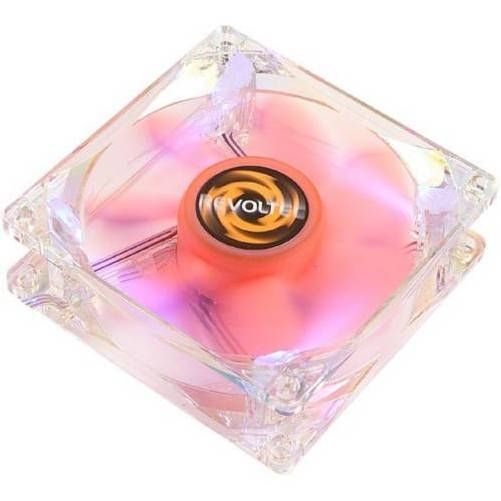
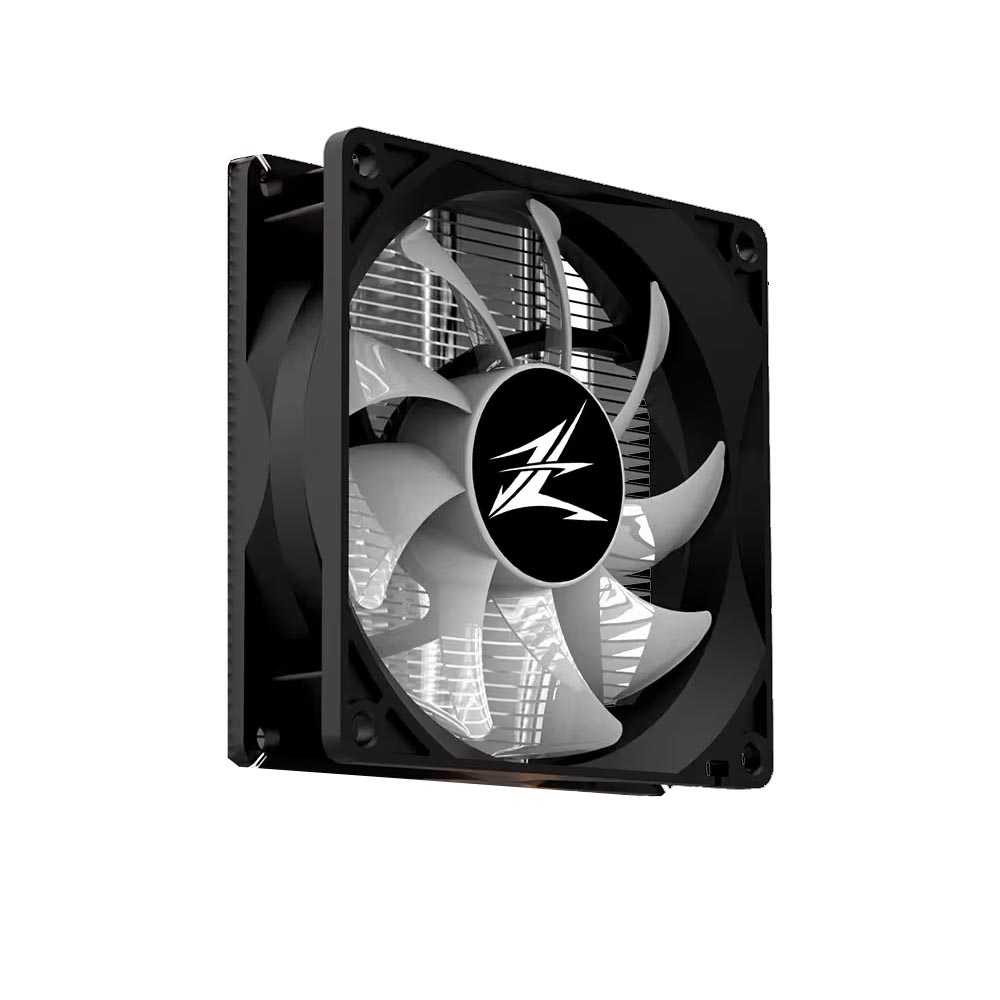
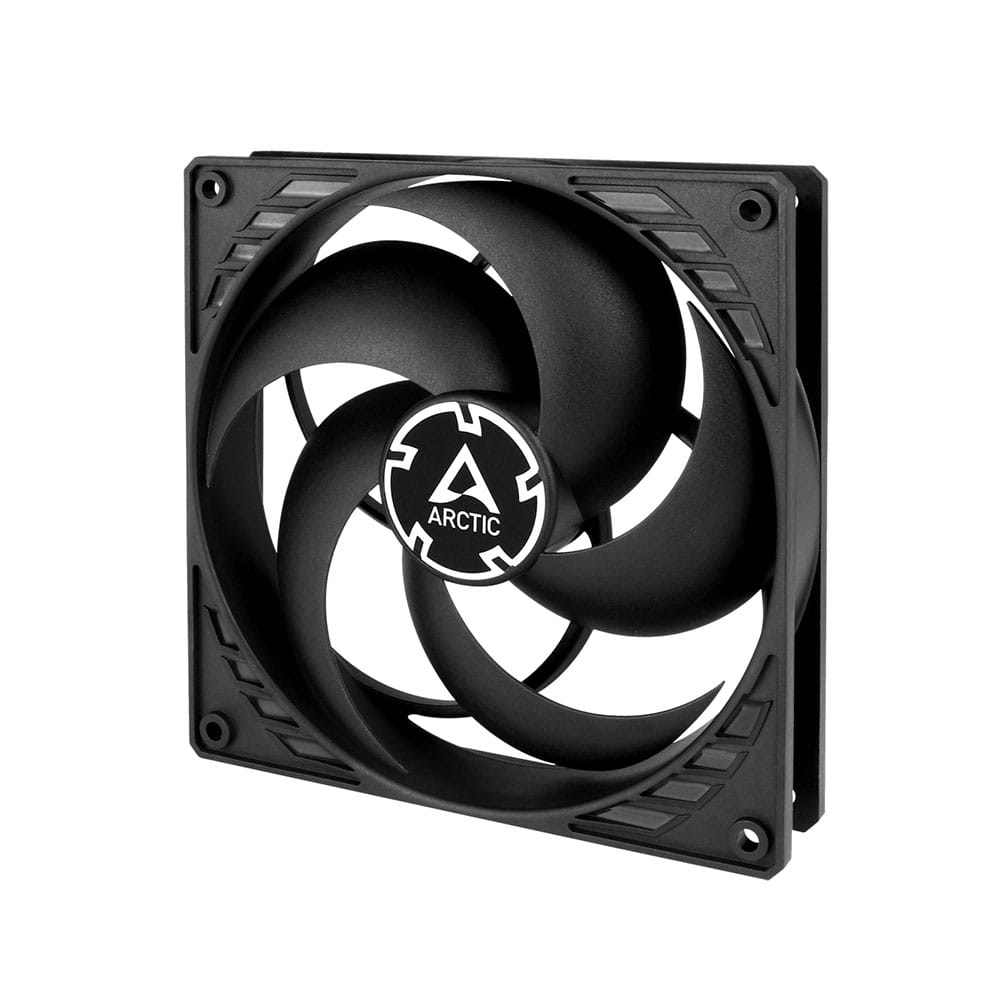
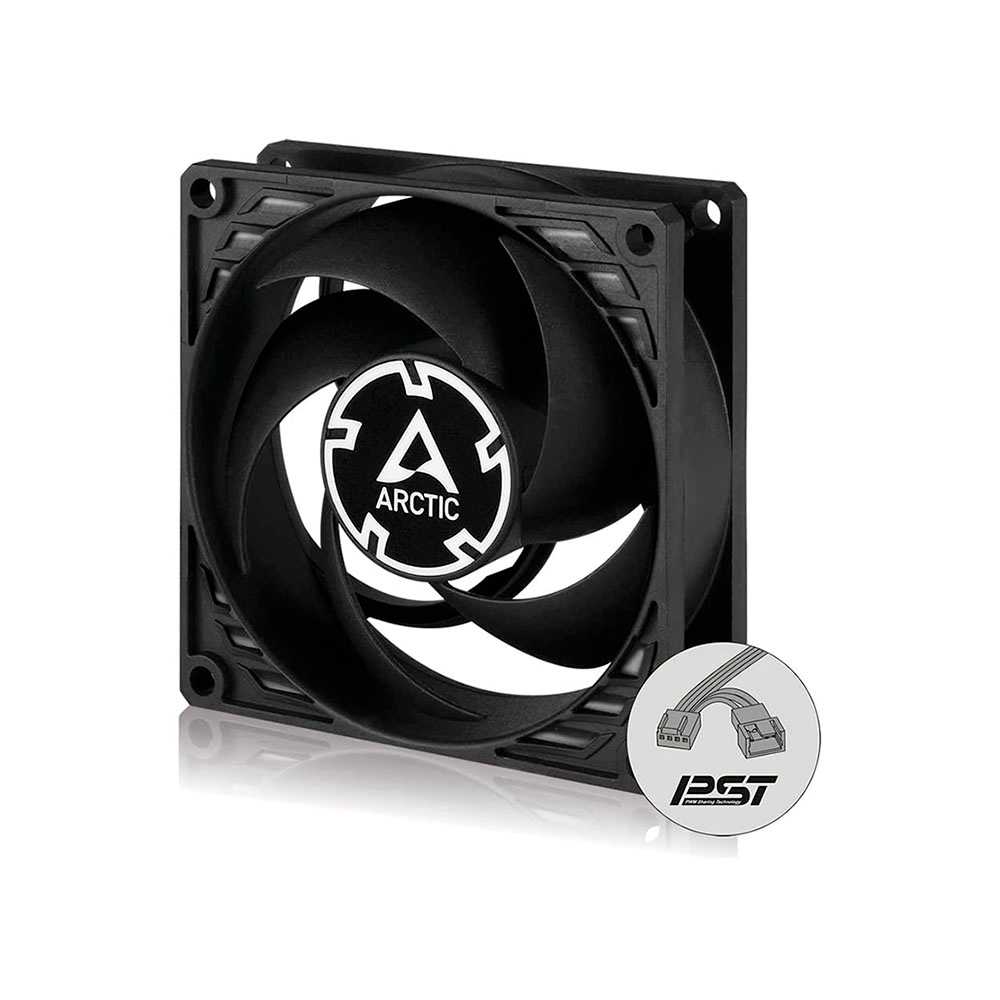
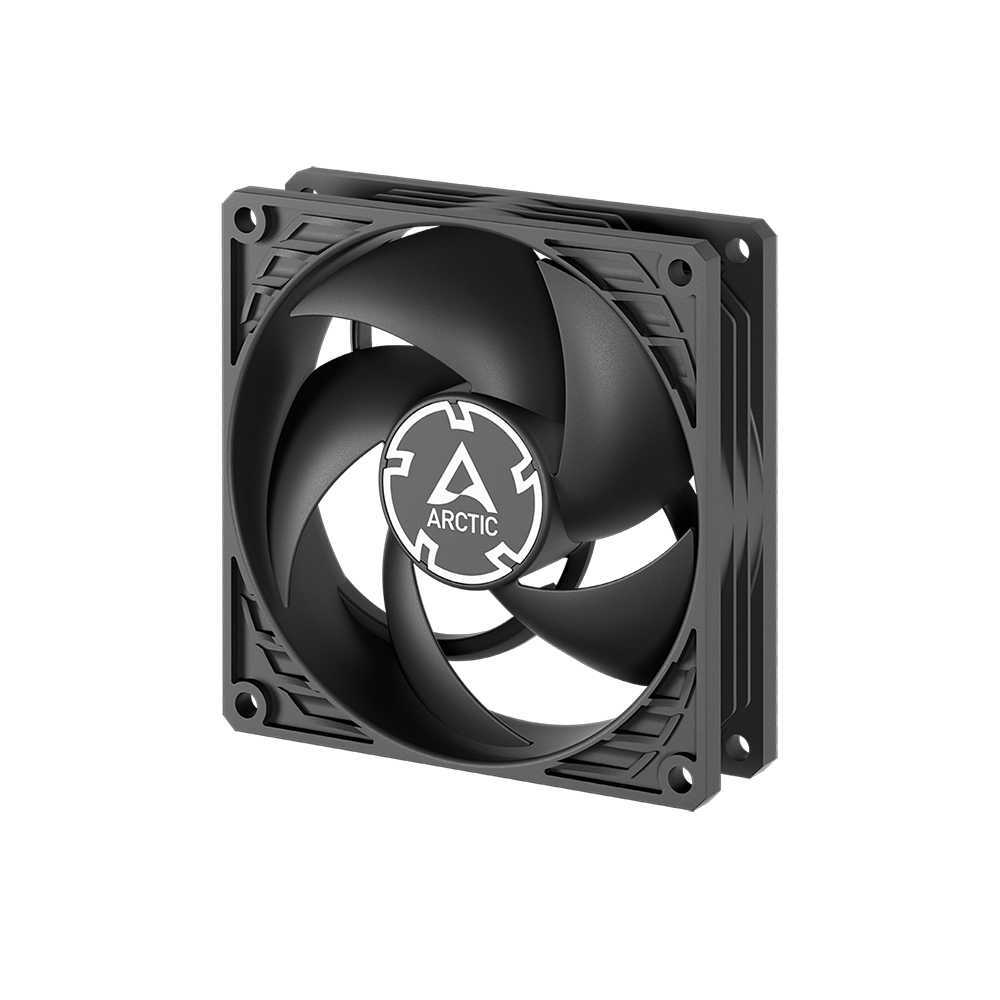
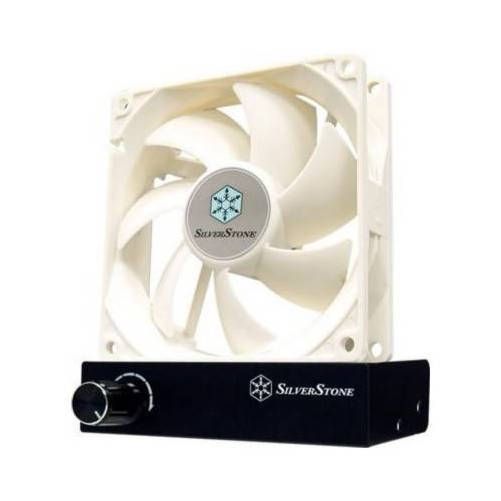
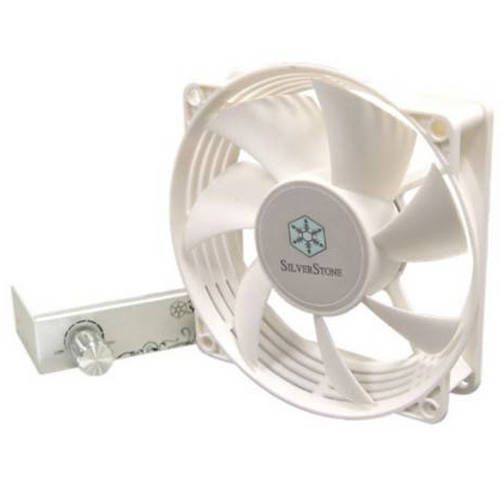
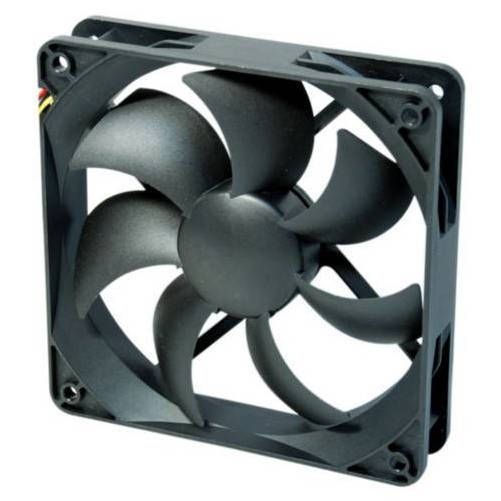
Silverstone FM92 90x90x25 con aspas de 110x110 y regulador plata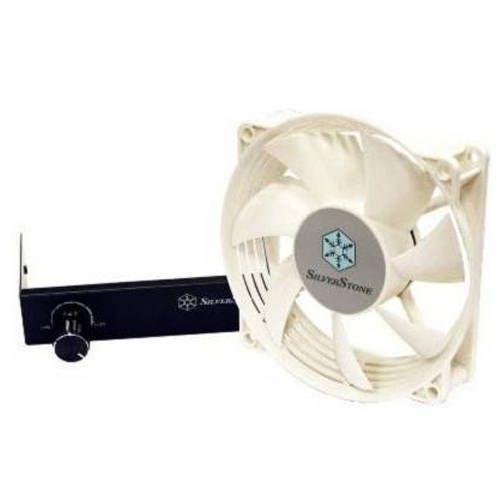
SilverStone
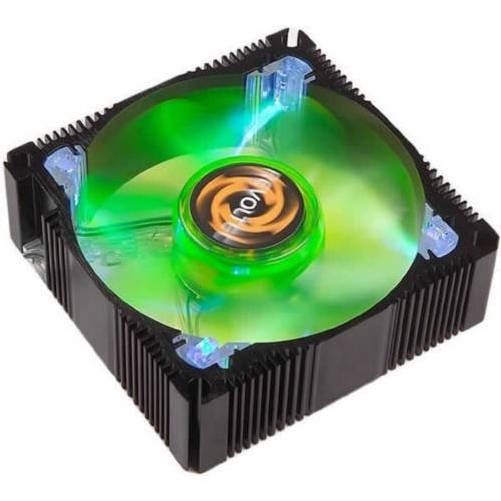
Silverstone FM92B 90x90x25 con aspas de 110x110 y regulador negro
PC cooling
Controlling the temperature should always be one of the main concerns of a PC user who works with it a lot. Whether you have bought a computer already assembled or if you are assembling it yourself, you must take all the necessary measures so that your computer remains at a stable temperature. Excess heat is very negative for the performance of our PC, but it also considerably reduces the useful life of our components.
PC fans
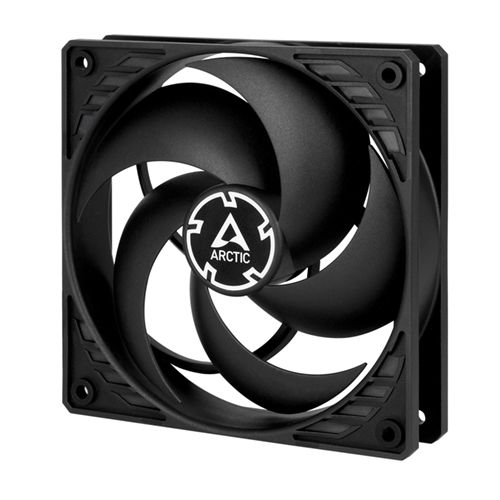
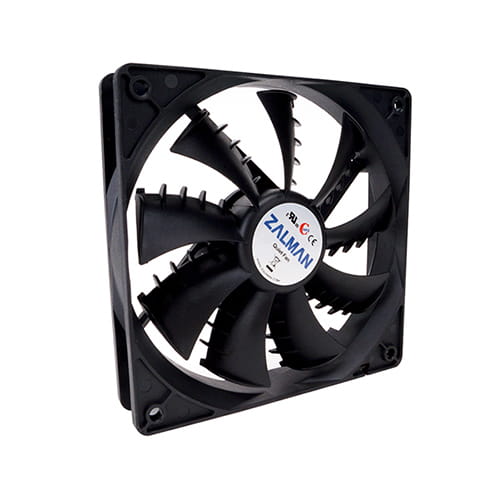
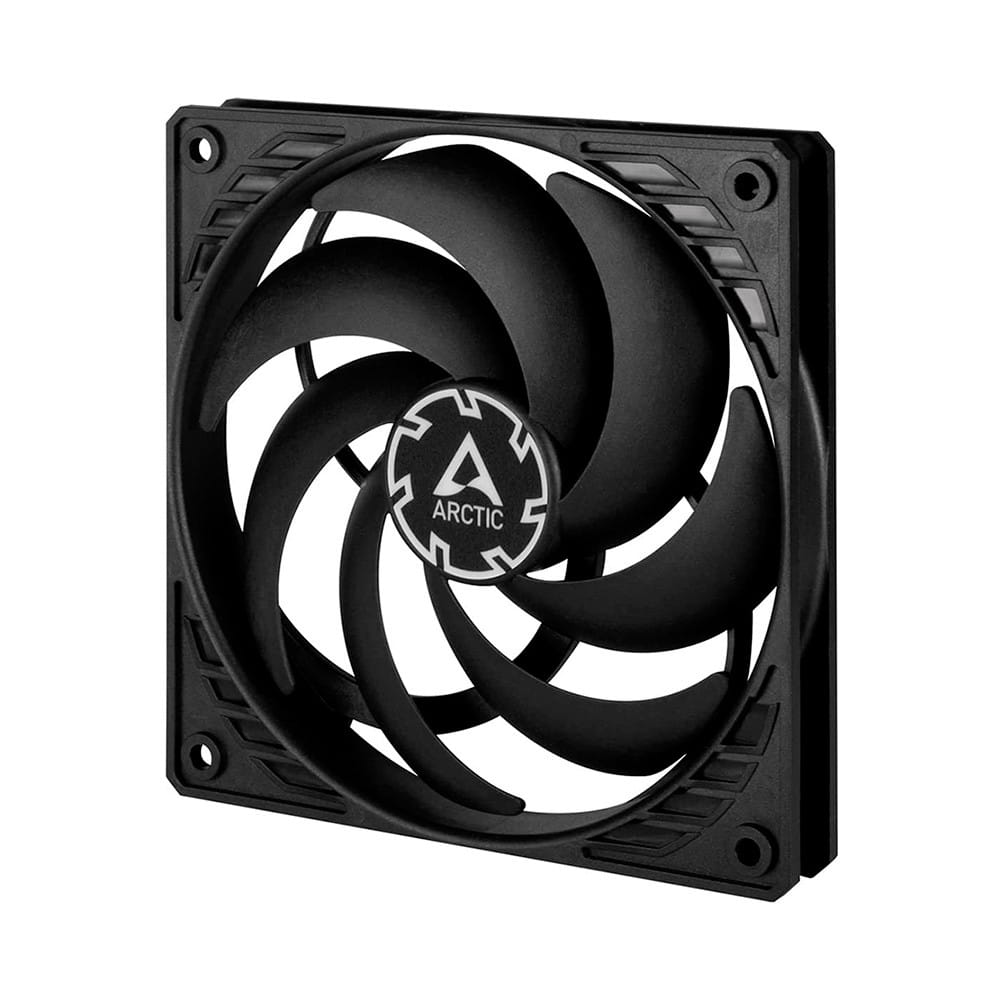
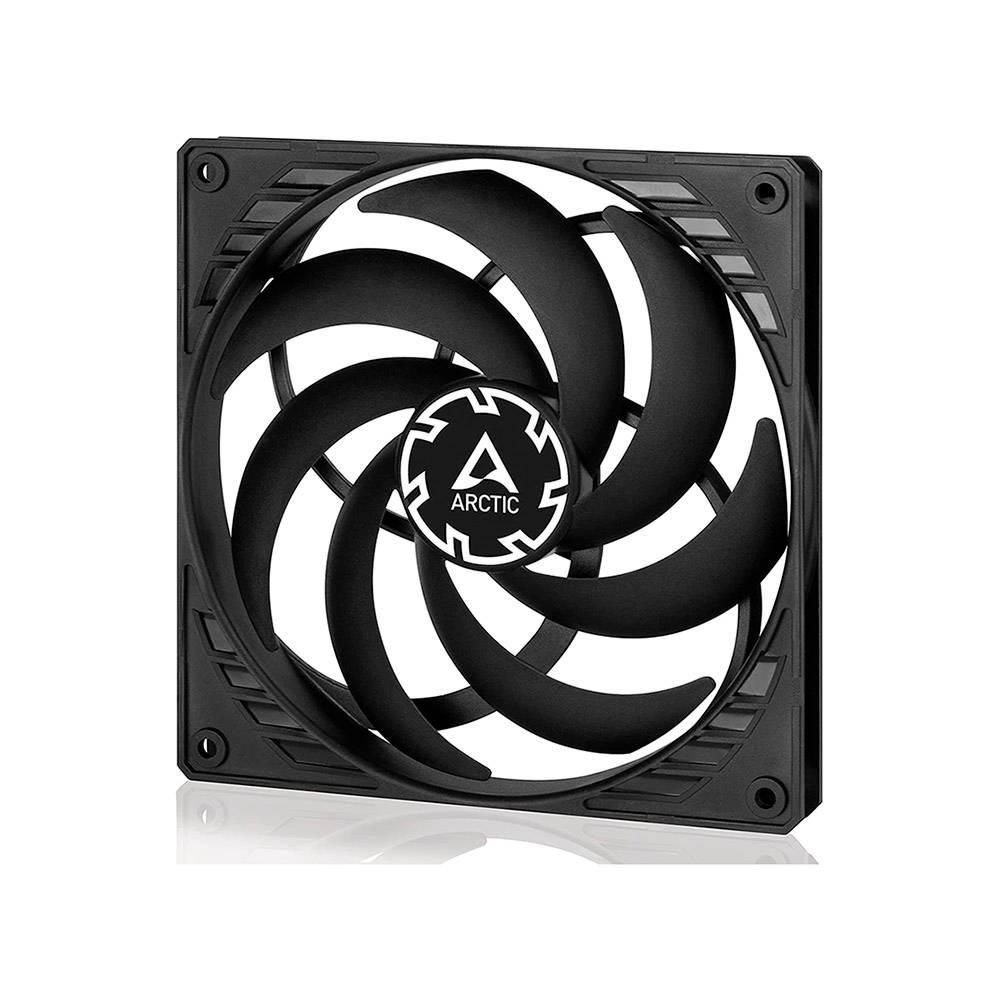
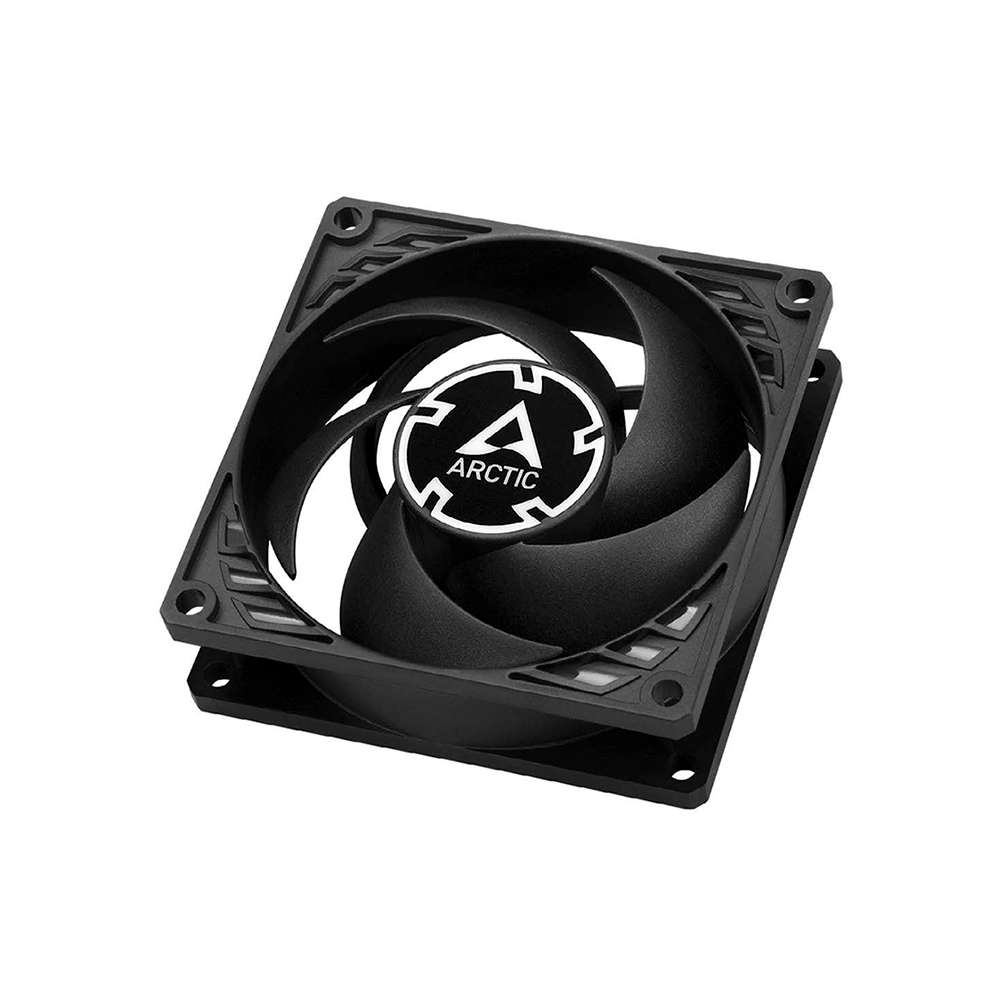
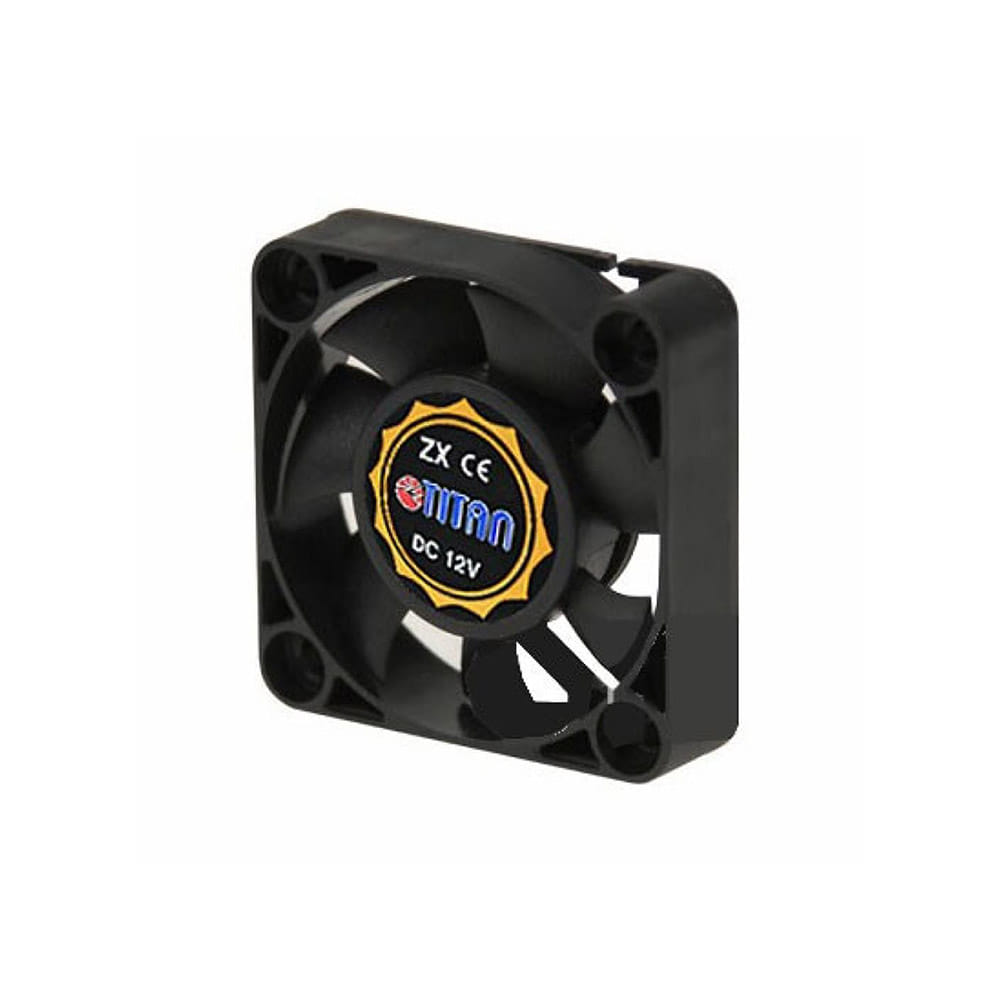
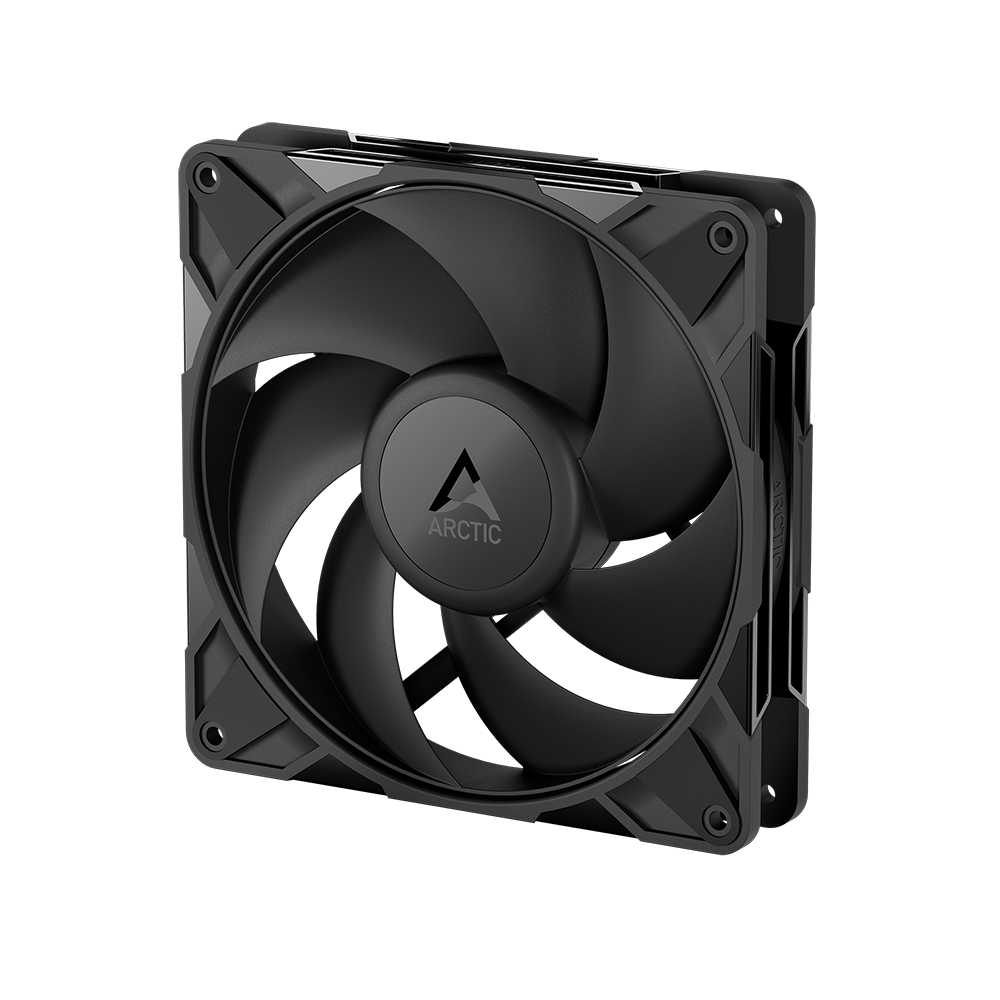
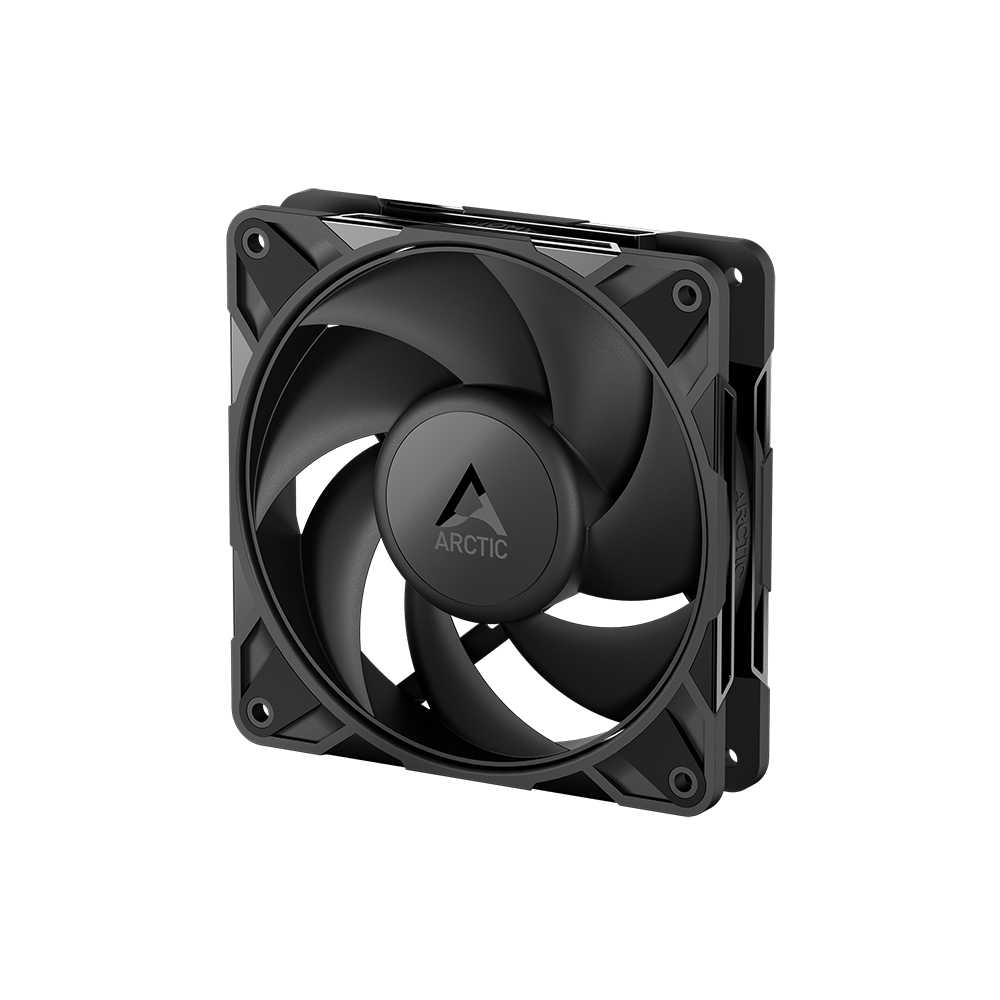
Case fans are like little soldiers who keep everything in order but no one praises their work. They prevent dust from destroying our components by settling on them and keep our equipment cool and safe from heat. As long as they work we don't realize their value, but if they fail we are lost without them. The advantage is that it is not an expensive part of our PC and it is easy to replace. In Ibértronica you will find fans of all types and sizes that adapt to the needs that your PC needs.
What should you know when choosing your PC fans?
When choosing the fans for your PC you should take into account the following:
Check which ones you can put in your case. If you do not have space to put them or you buy fans that are too big, you will have made a purchase in vain. Most PC cases today have a variety of ways to mount the fans you put in them. It usually has panels for 120mm fans and panels for 80mm fans.
Even if you have free spaces to mount more fans, make sure none of its other components interfere with it. A large heatsink, RAM, or graphics card can block the installation of additional fans. Also make sure that they do not rub against anything and that they are well attached to avoid vibrations and annoying noises. Finally, take into account the power of the power supply, because if you do not have enough power, you will not be able to make more fans work. This is even more noticeable when we use LED fans in our PC, since they consume a little more energy than usual due to light.
How to cool down your PC
Everything inside your computer generates heat. If we add to that the ambient temperature, which in Spain in the summer months is very high, we can get an idea of what our beloved PC suffers. The more heat our computer has to withstand, the worse its performance will be.
That heat must be removed in any way from our casing so that the components cool down. This means that we must install fans and heat sinks that reduce and expel that heat. These are the components that generate the most heat:
CPU: It is the component that works the most inside your PC. So it requires more measures to keep it cold. It must always go with a heatsink (which must be glued with thermal paste) and its own fan or a liquid cooling system
GPU: If you are a gamer or you edit professional video or images, it is more than likely that you have a powerful graphics card to process those graphics. Graphics cards come with their own cooling system as standard, much like how the CPU cools. They have a heatsink, fans and thermal paste. Some graphics cards come with special software so we can control the temperature more precisely.
RAM: The RAM memory is constantly working in our PC, so they get hot easily. It is important that the air flows correctly to the outside so that they do not suffer excessively. Consider buying RAM modules that have pre-installed heatsinks to minimize this problem.
Hard Drives: Everything that moves generates friction which in turn generates heat. Mechanical hard drives contain moving parts that generate heat and this heat needs to be dissipated. Although there are particular solutions to cool the Hard Drives, if we place the hard drives so that they are within the air flow there should be no problem cooling them.
Keeping our PC at a good temperature is not difficult at all. Installing the fans and maintaining a good air flow is not a piece of cake if we know how to do it properly.
The Best PC Fans in Ibertrónica
Keeping in mind the importance of CPU fans in terms of the proper functioning of your computer, you should buy the best ones. In this sense, our online store is the best alternative for you.
We only have products designed, manufactured and assembled by professionals in the area. Each of the items you find in our catalogs has the seal of the most recognized brands in the industry at an international level.
In addition, when selecting a PC fan to include it in our menu of alternatives, our experts evaluate in detail all its characteristics to verify that it meets quality standards.
In our section of PC fans you can find the best of the best on the market. We corroborate aspects such as performance, the manufacturer, the raw material used in the construction of the equipment, the assembly process, the operation and the level of performance of the device.
All this allows us to assure our customers adequate and lasting solutions, which has led us to gain the trust of the general public. It has also allowed us to become a reference store in the area of professional computer equipment, and in the world of ecommerce.
The ideal Silent PC Fan
Among the wide variety of options that we offer you in our online store, you can find the silent PC fan that best suits your requirements.
Although most fans generate noise while cooling the components of your computer equipment, there are some models that do their job efficiently without causing the slightest noise.
These articles are the most suitable to keep a work area relaxed, calm and without any type of disturbance. You can request guidance from our customer service team, in case you require more details about these CPU fans.
How to Buy a PC Fan online?
If you want to obtain the most suitable product to cover your needs, and you also want to enjoy a safe, practical and effective online purchase process, at Ibertrónica you can do it.
We have a vast inventory of computer items, so you can equip your home or workplace with the best products. Likewise, we offer you an online store specifically designed to offer our users a unique and positive experience in all aspects.
To buy CPU fan in our ecommerce, you just have to go through the menu that we present to you and evaluate the different model options that we have. Later, you must select the items of your interest and add them to the shopping cart.
Once you have included all the items you wish to purchase in the cart, you only have to indicate some information, the payment method of your choice, and proceed with the purchase operation.
It is important to note that we accept several payment methods, and that we have completely secure platforms, so that the entire purchase process is carried out in a transparent and reliable manner.
For more information or to clarify any doubt, you can contact our experts.