Graphics Cards
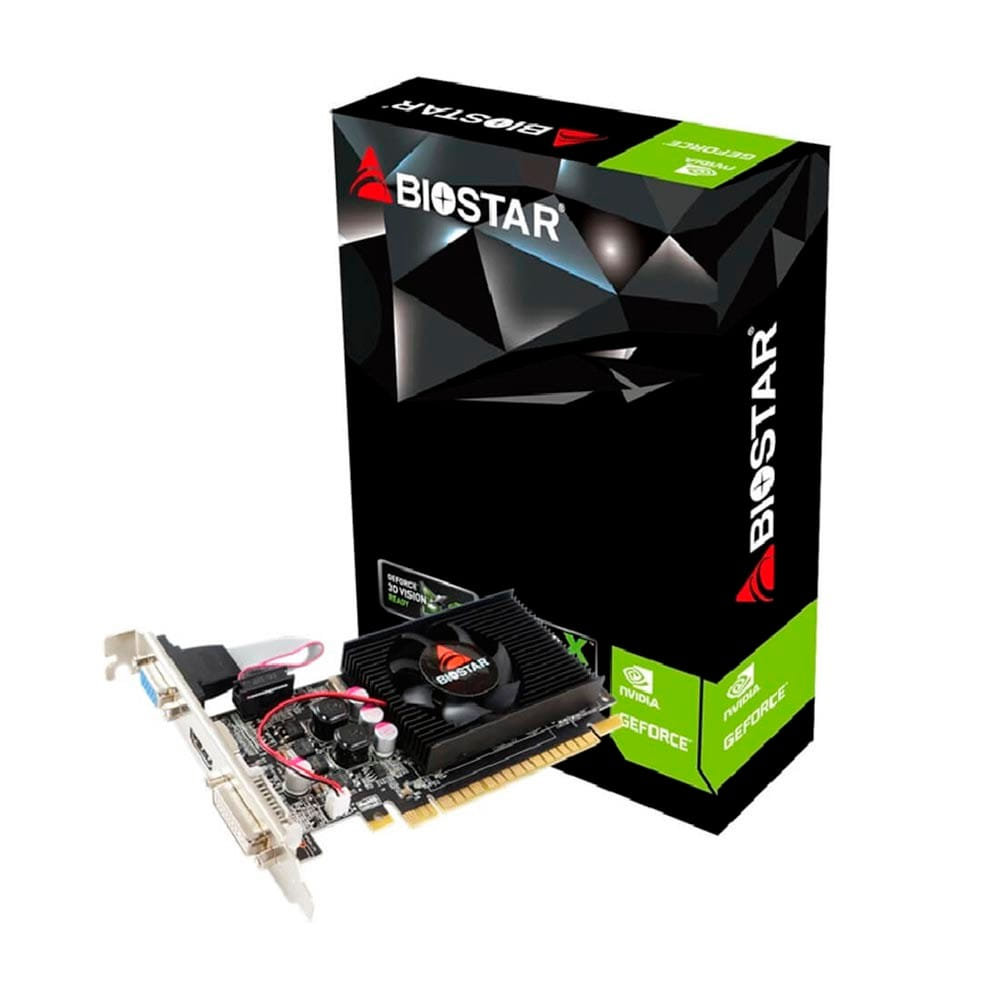
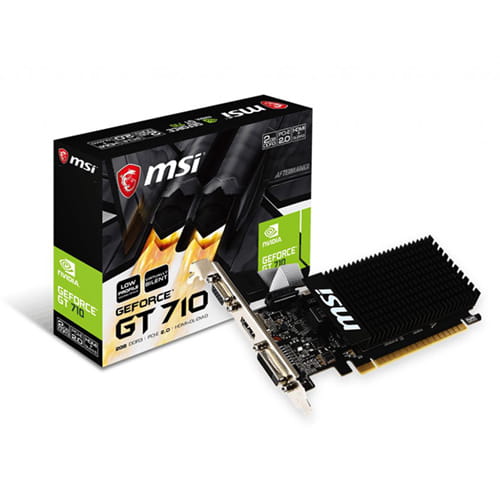
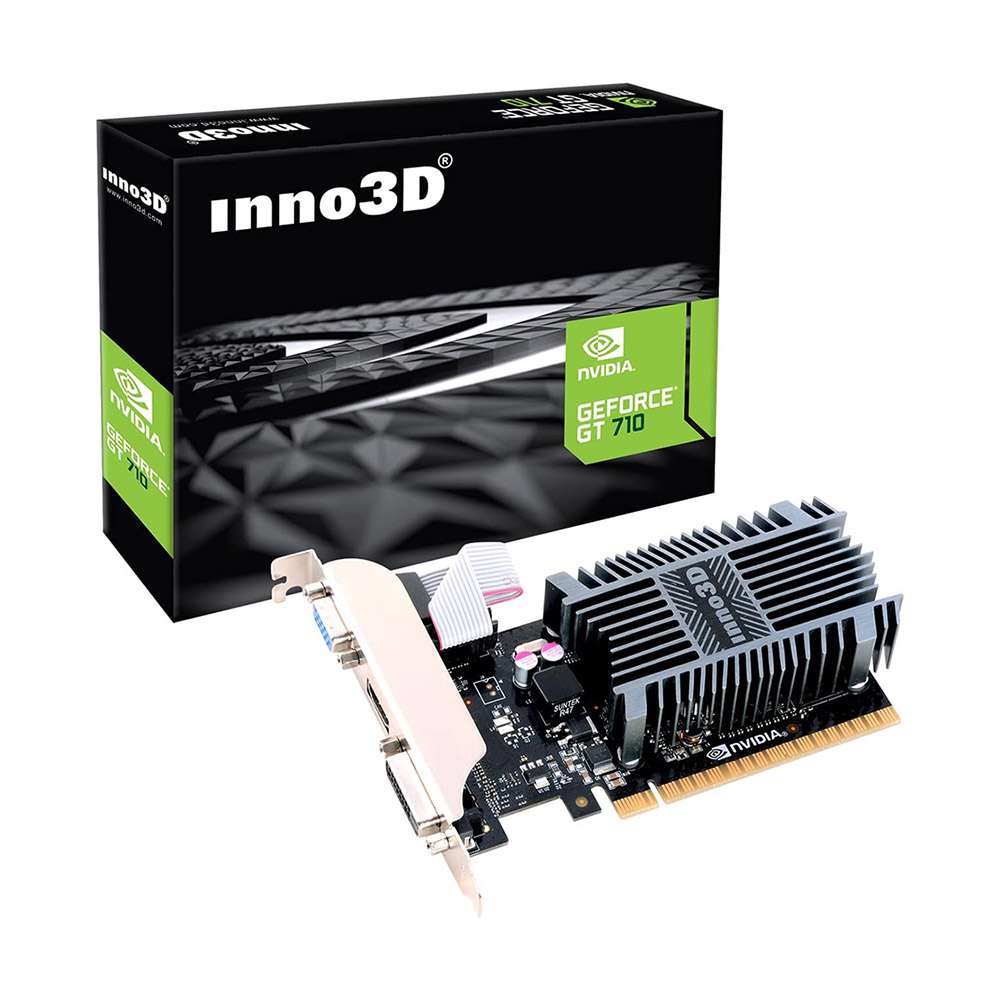
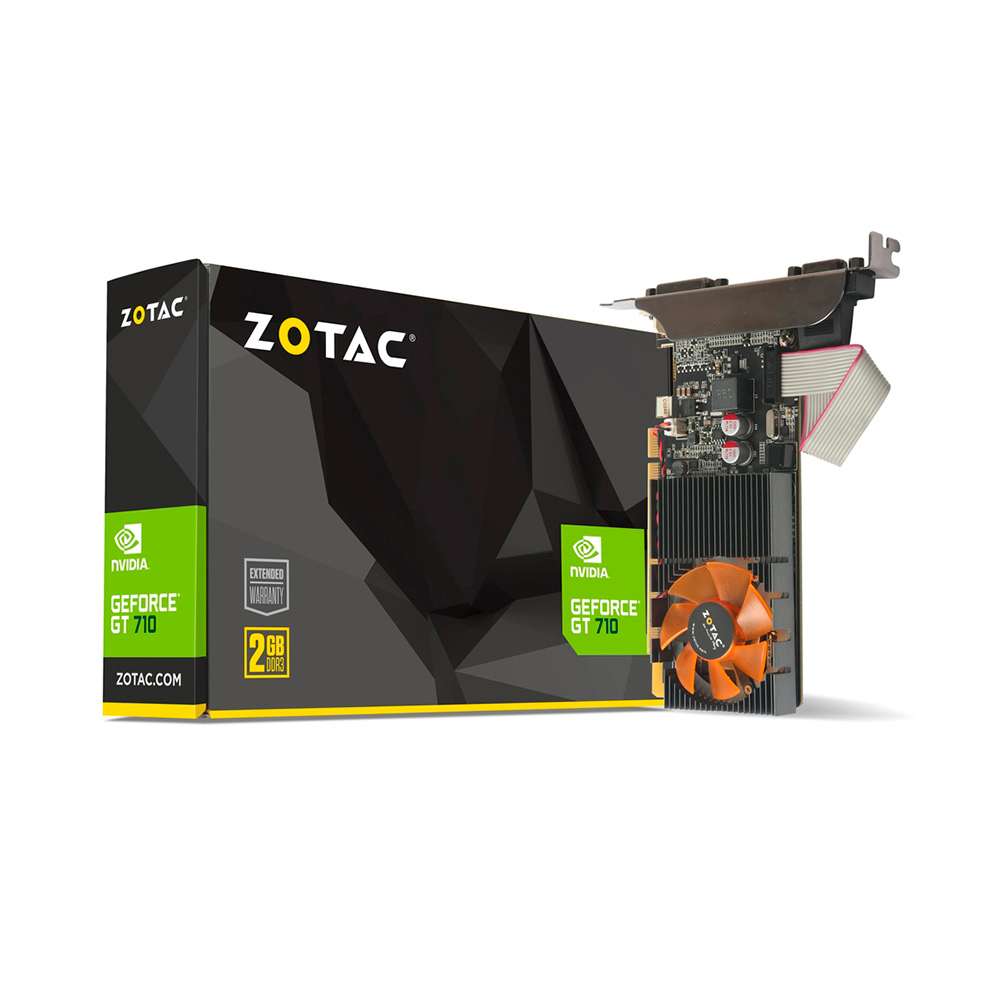
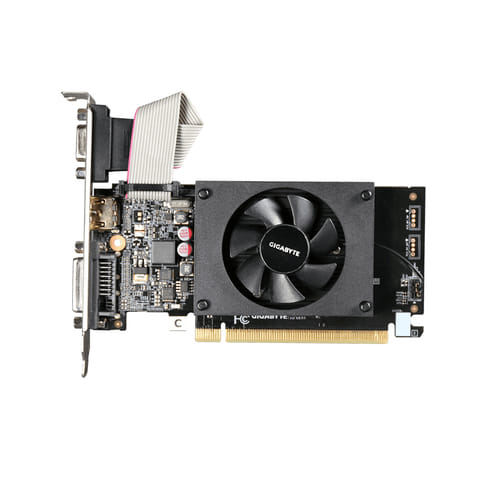
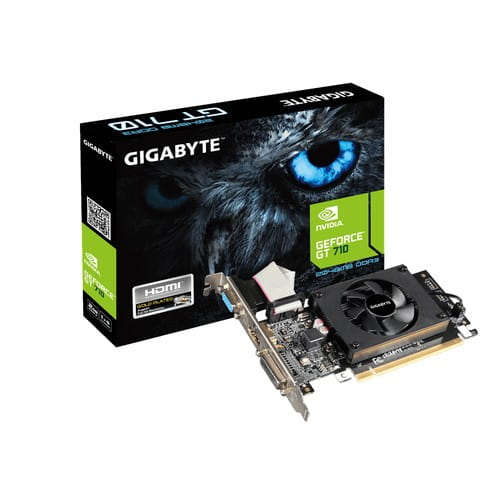
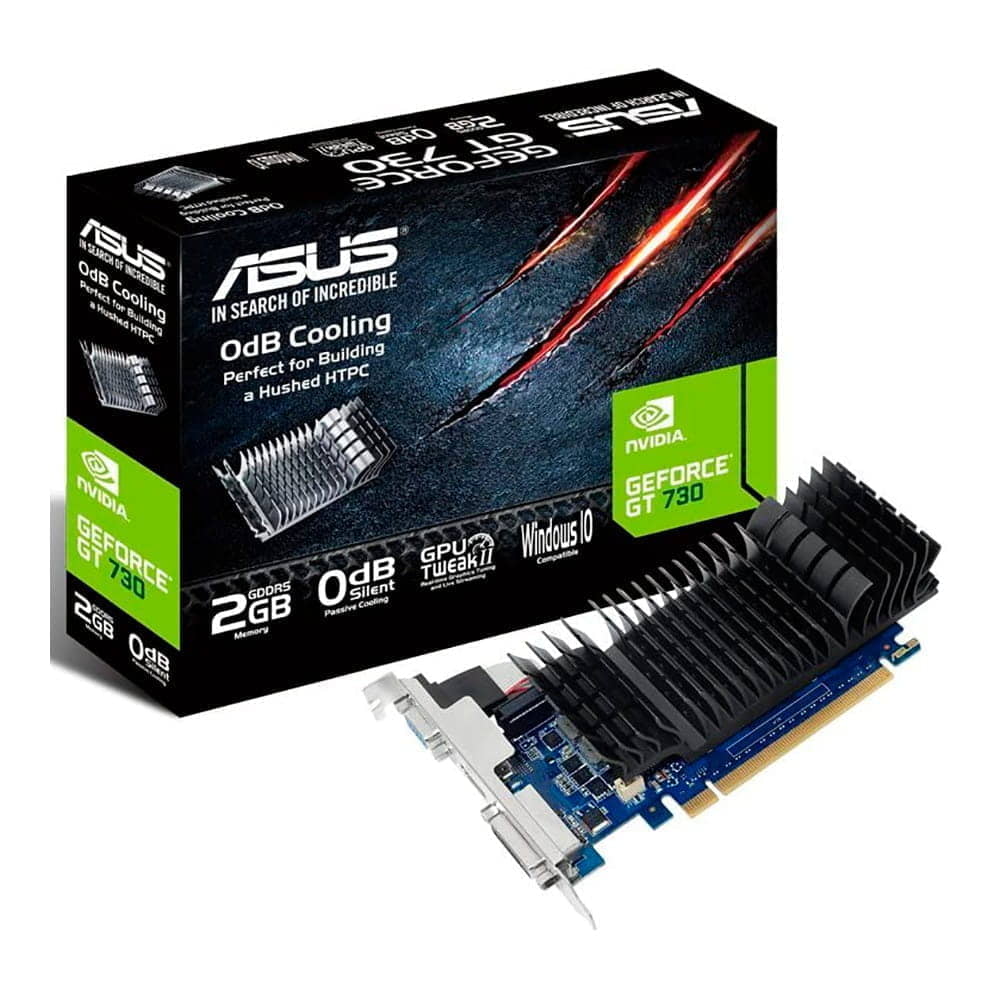
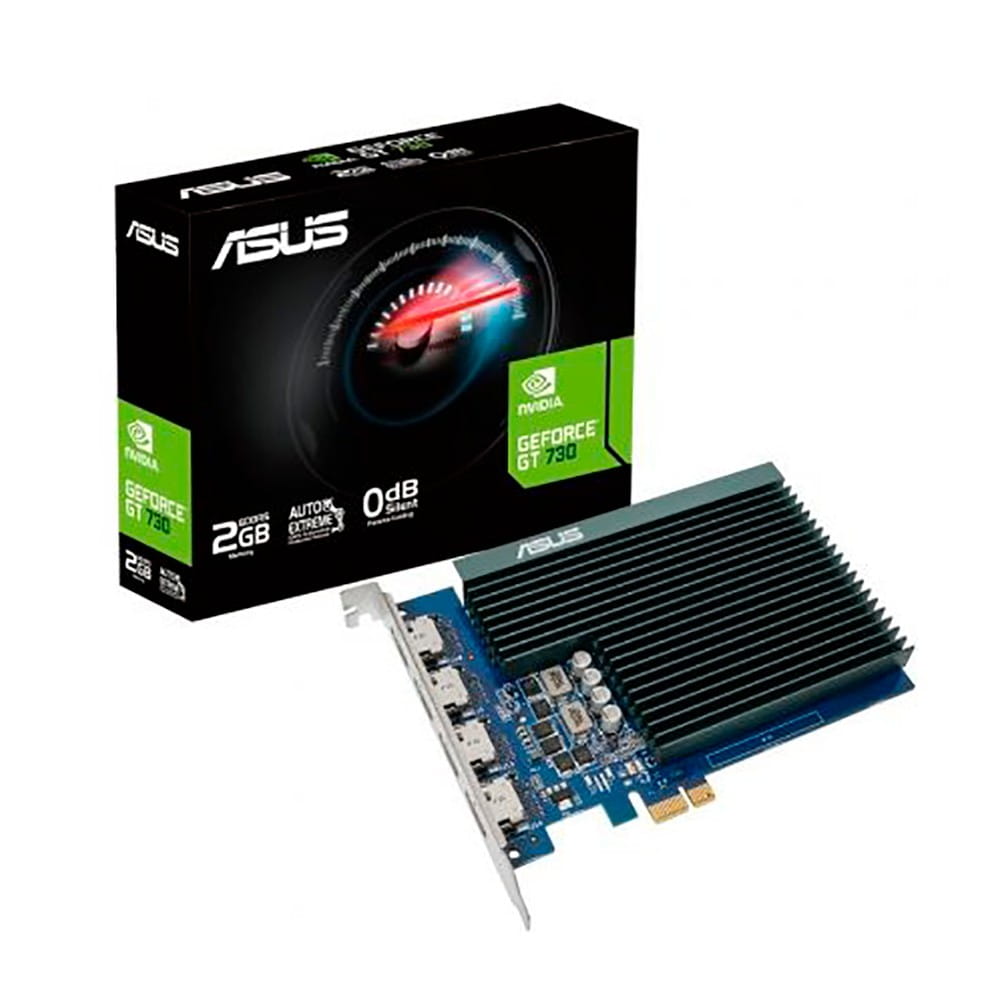

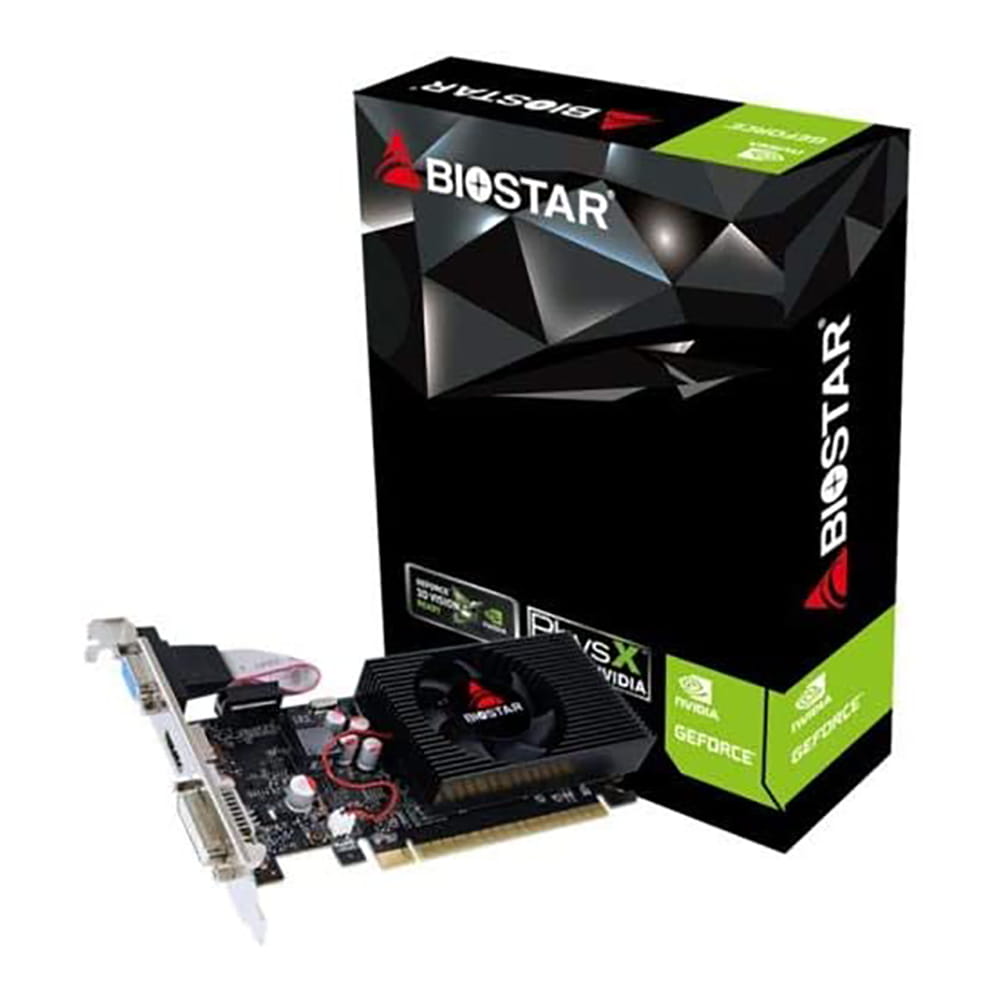

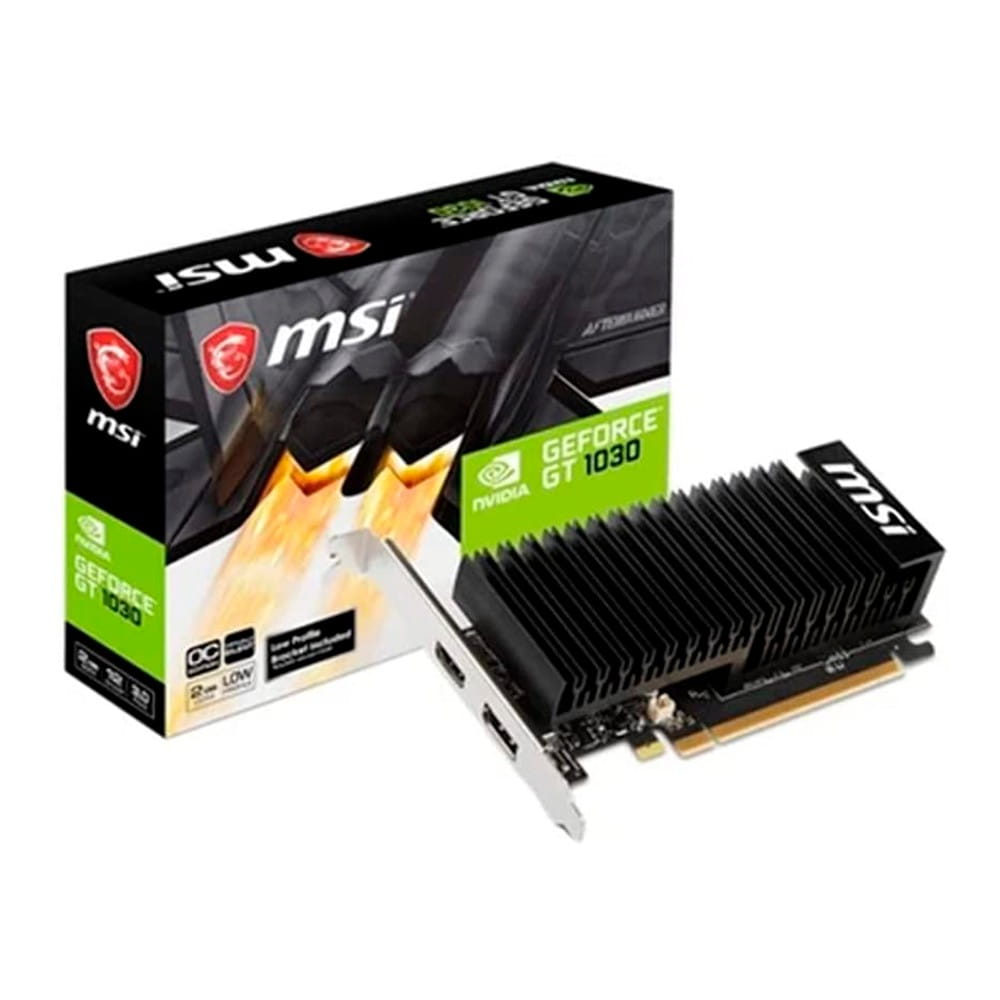
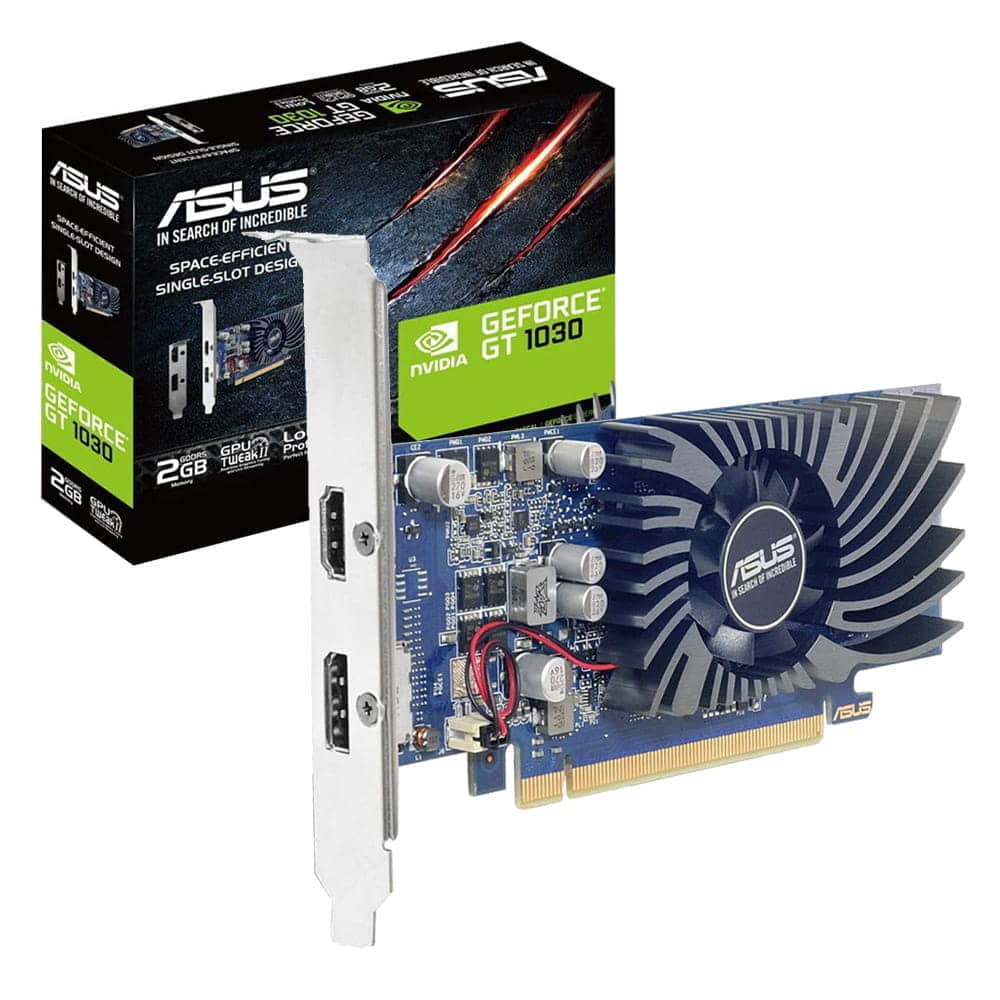
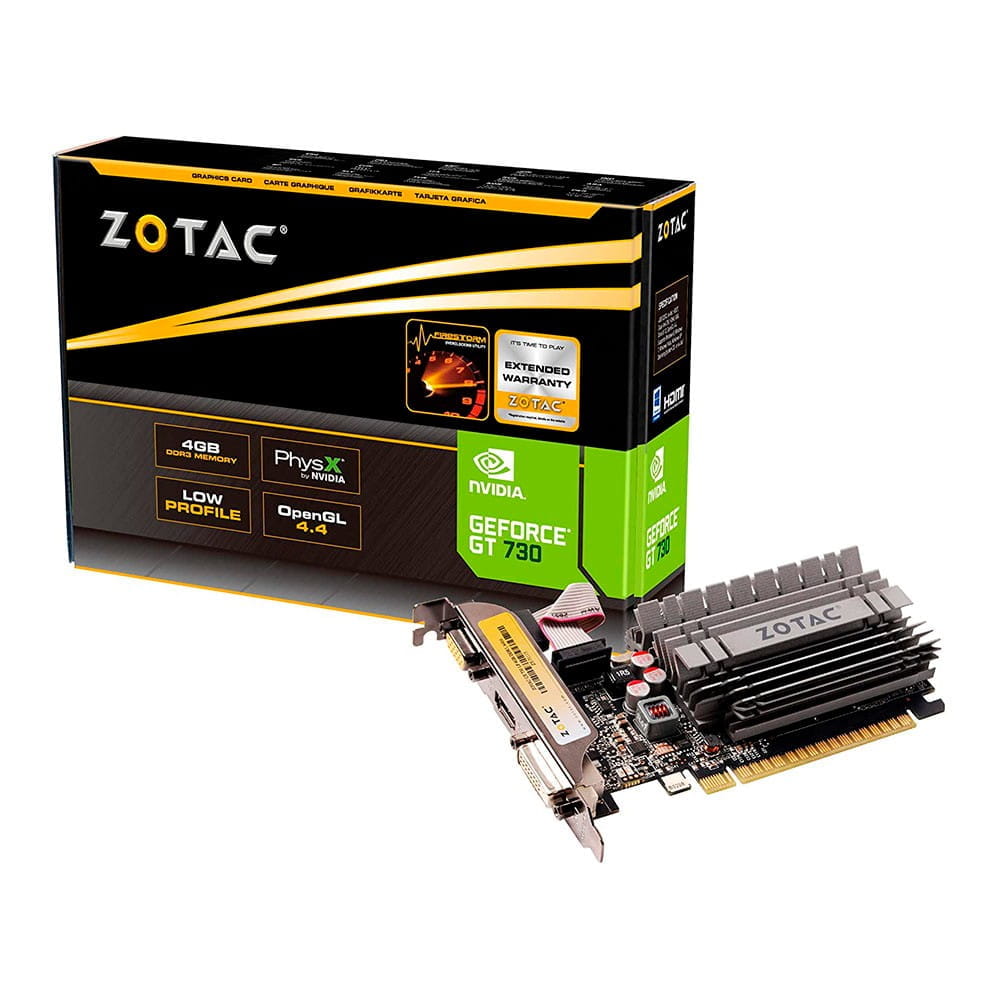
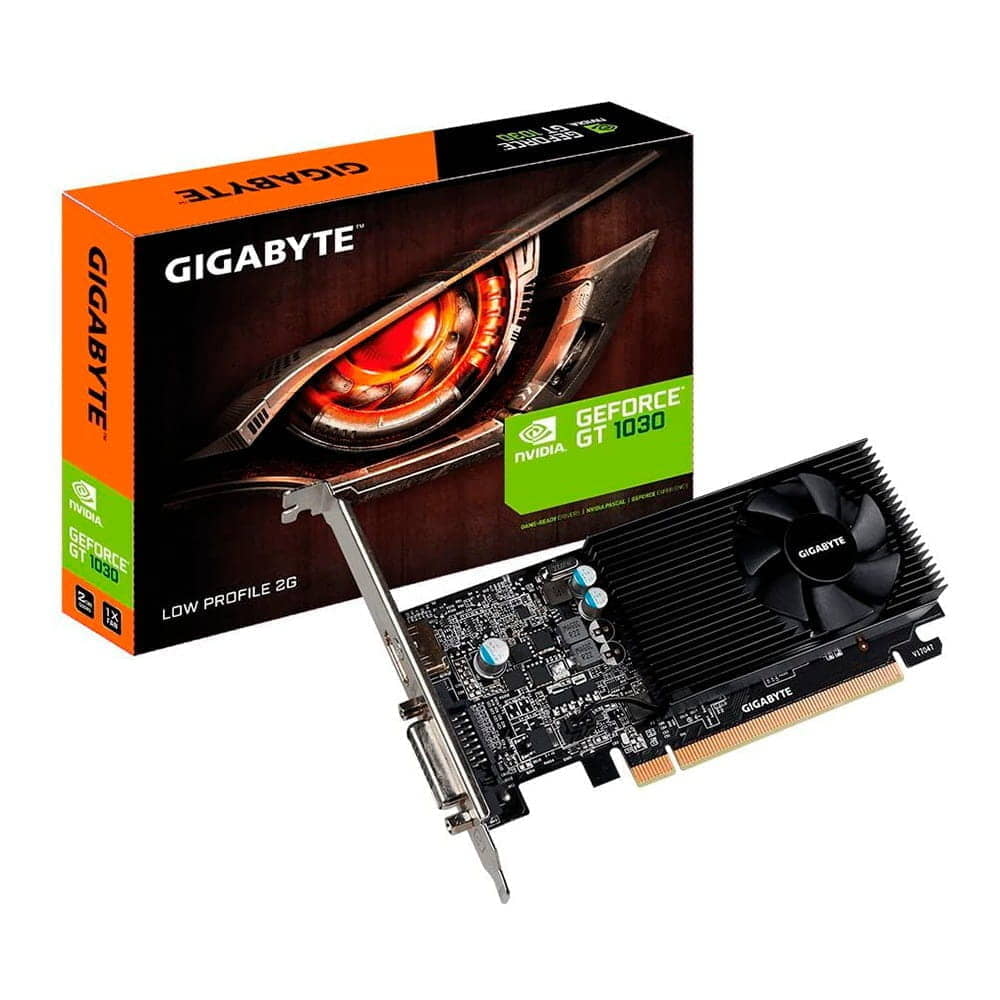
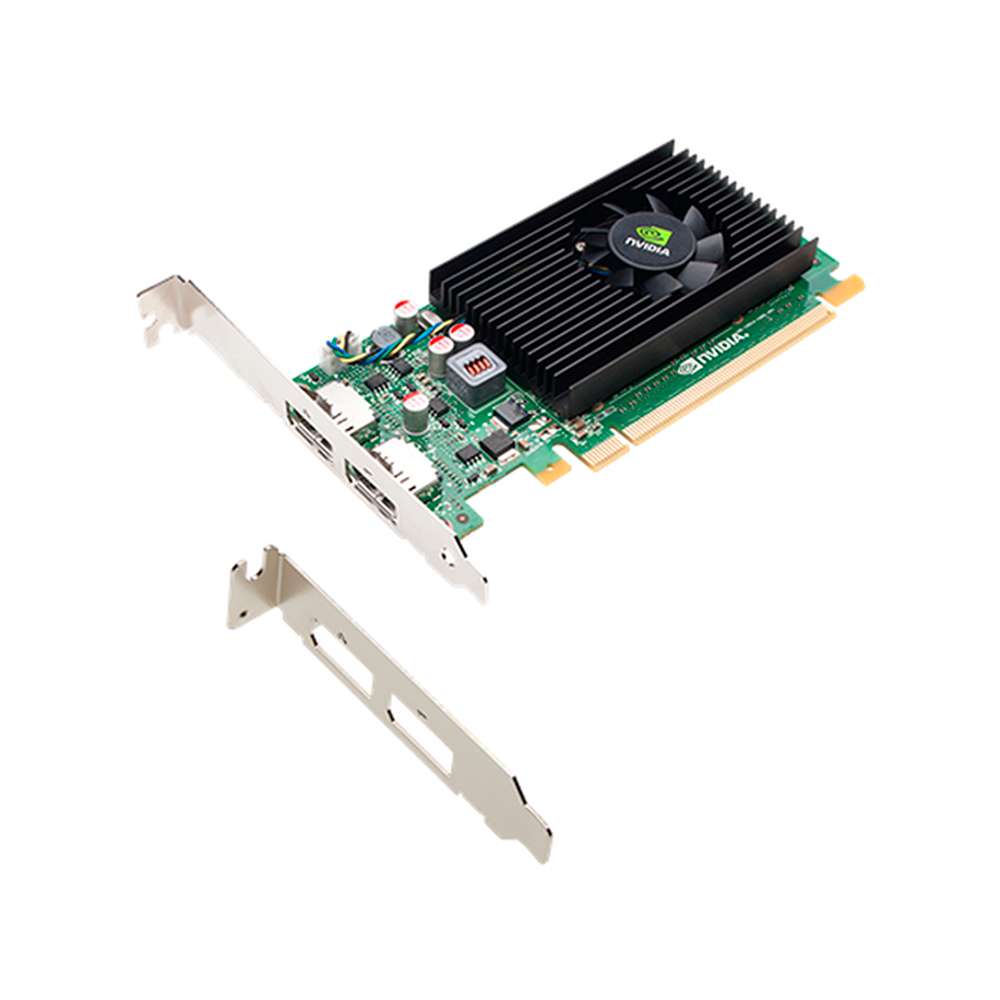
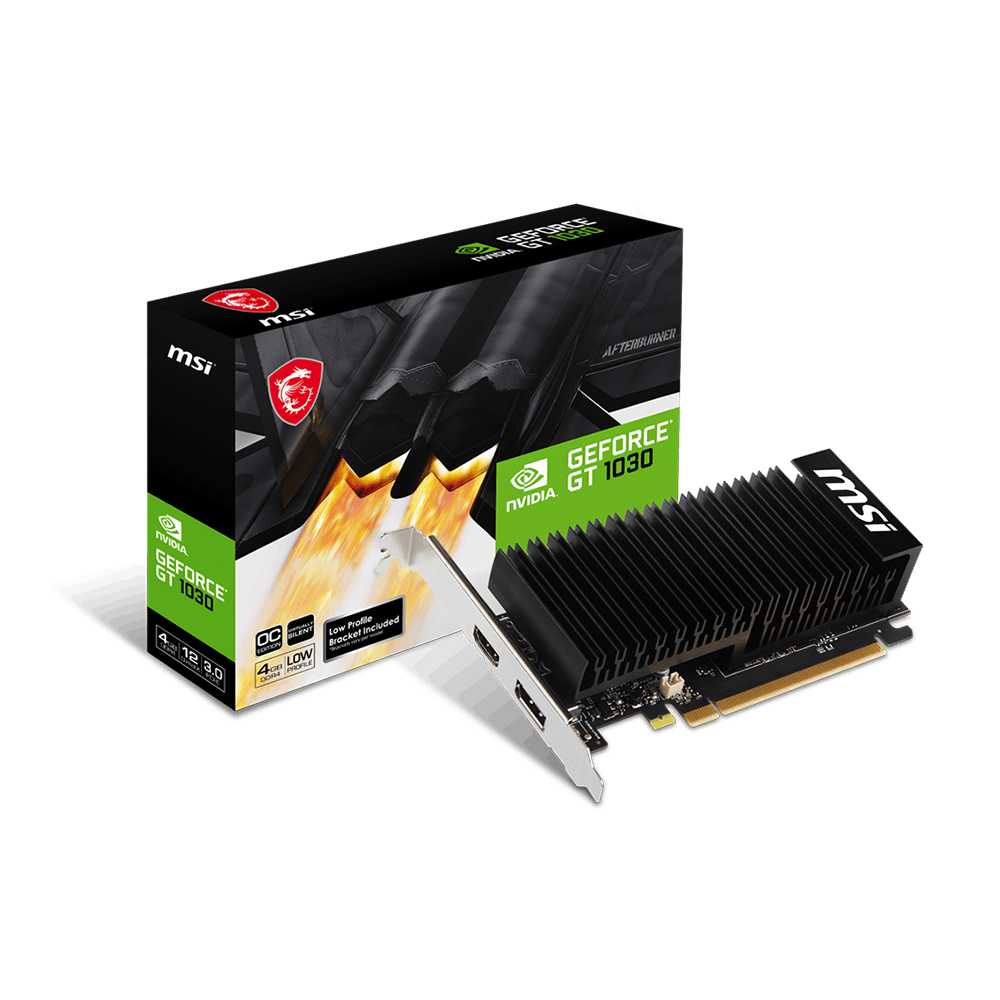
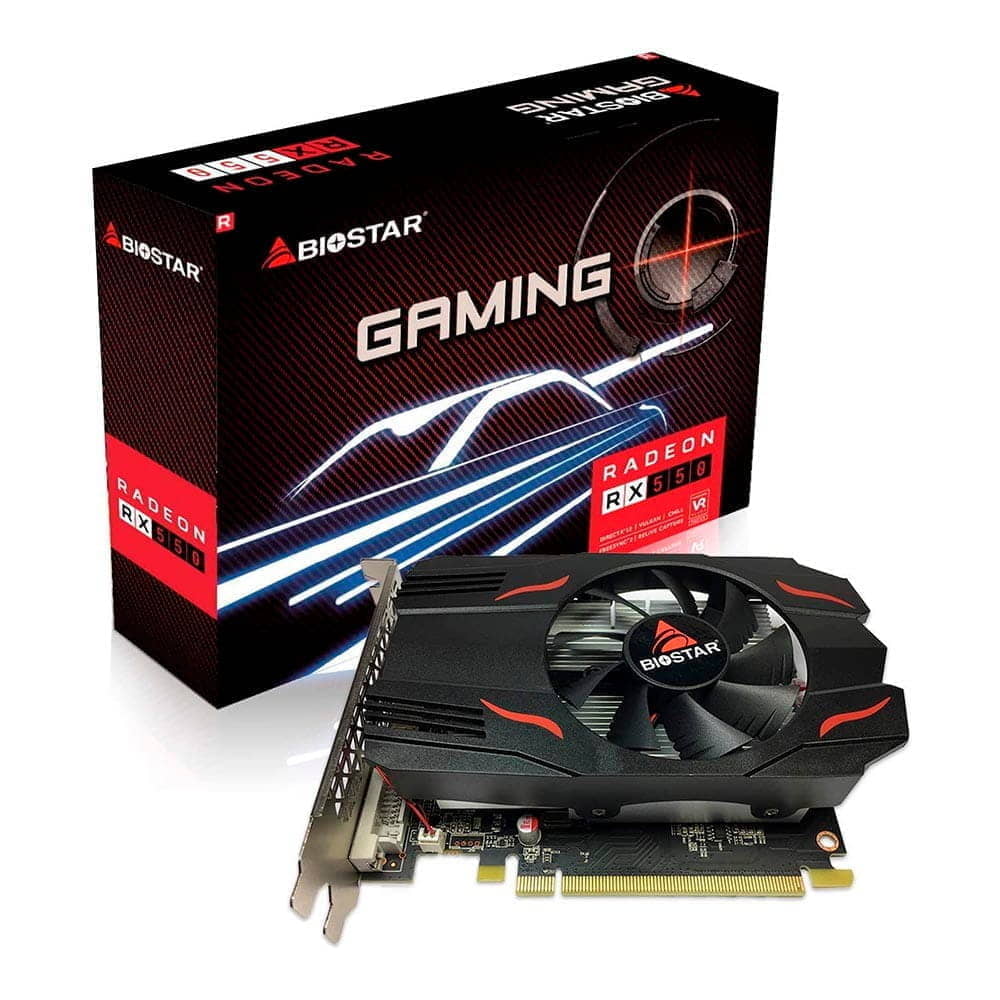
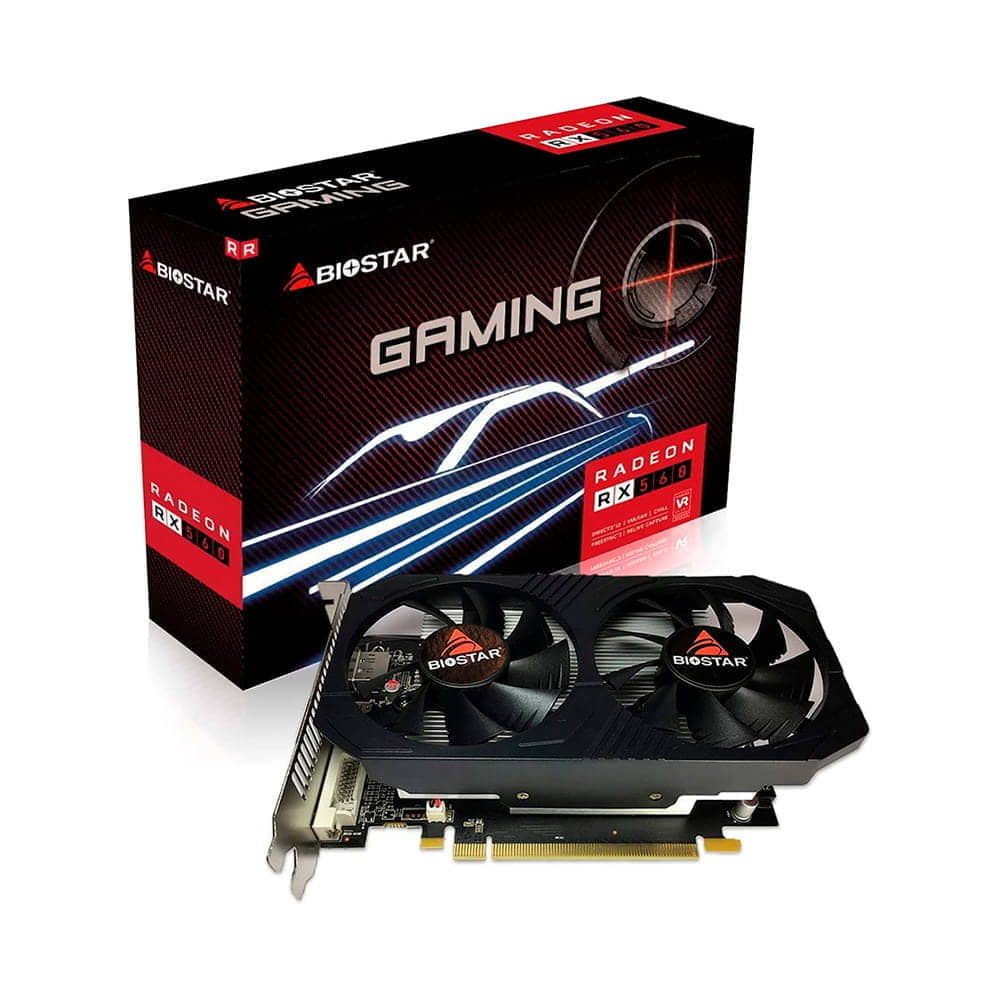
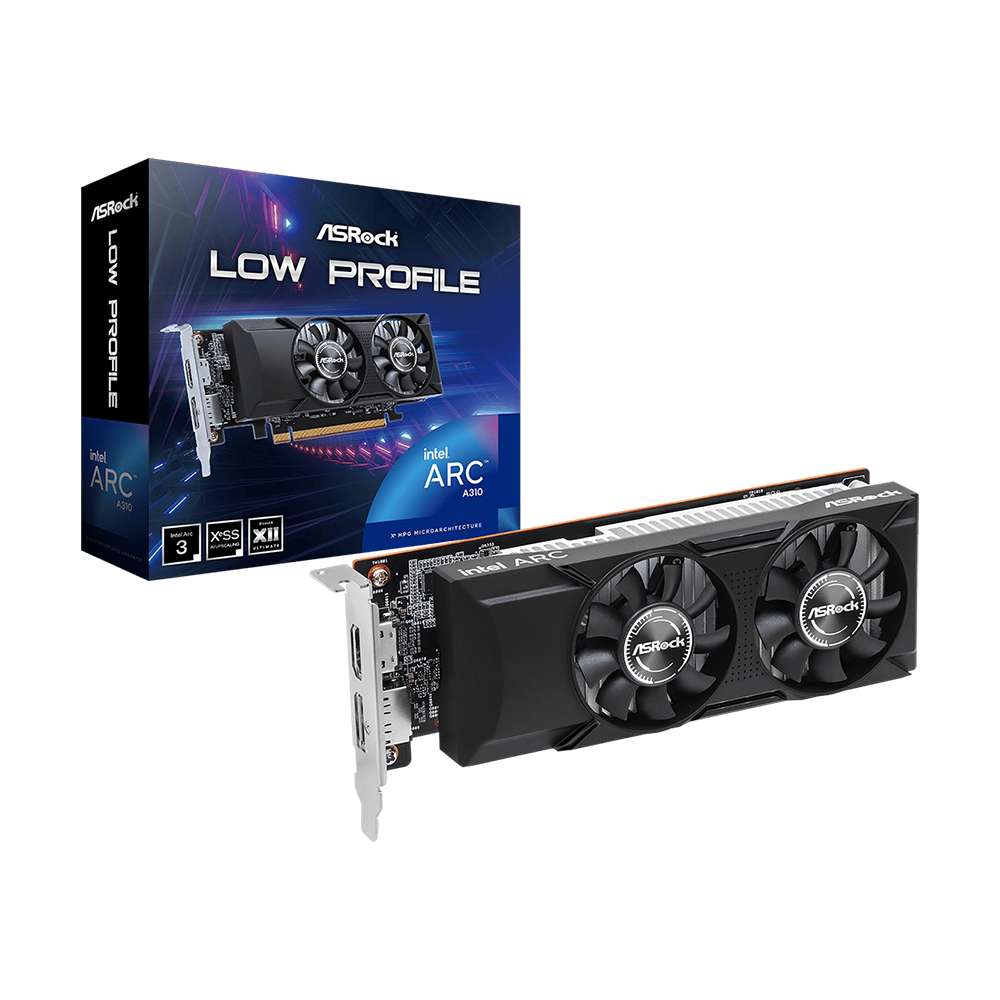
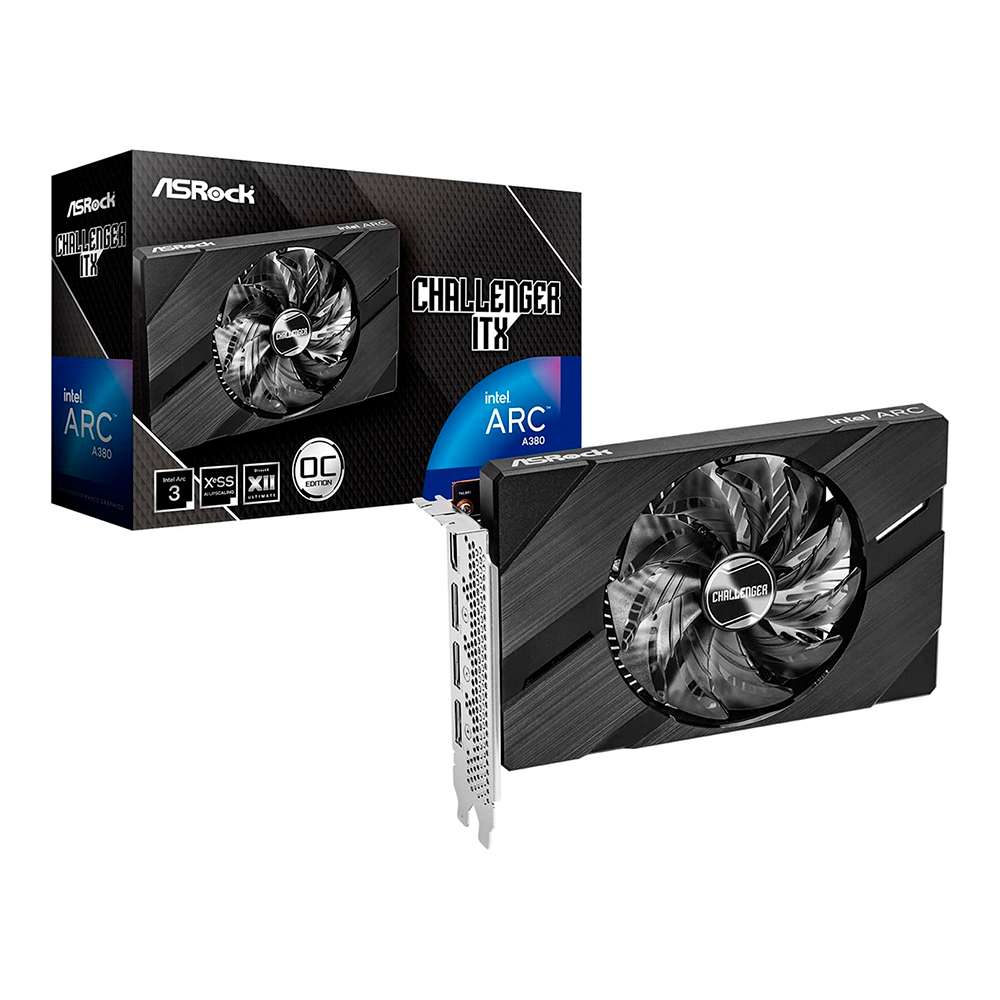
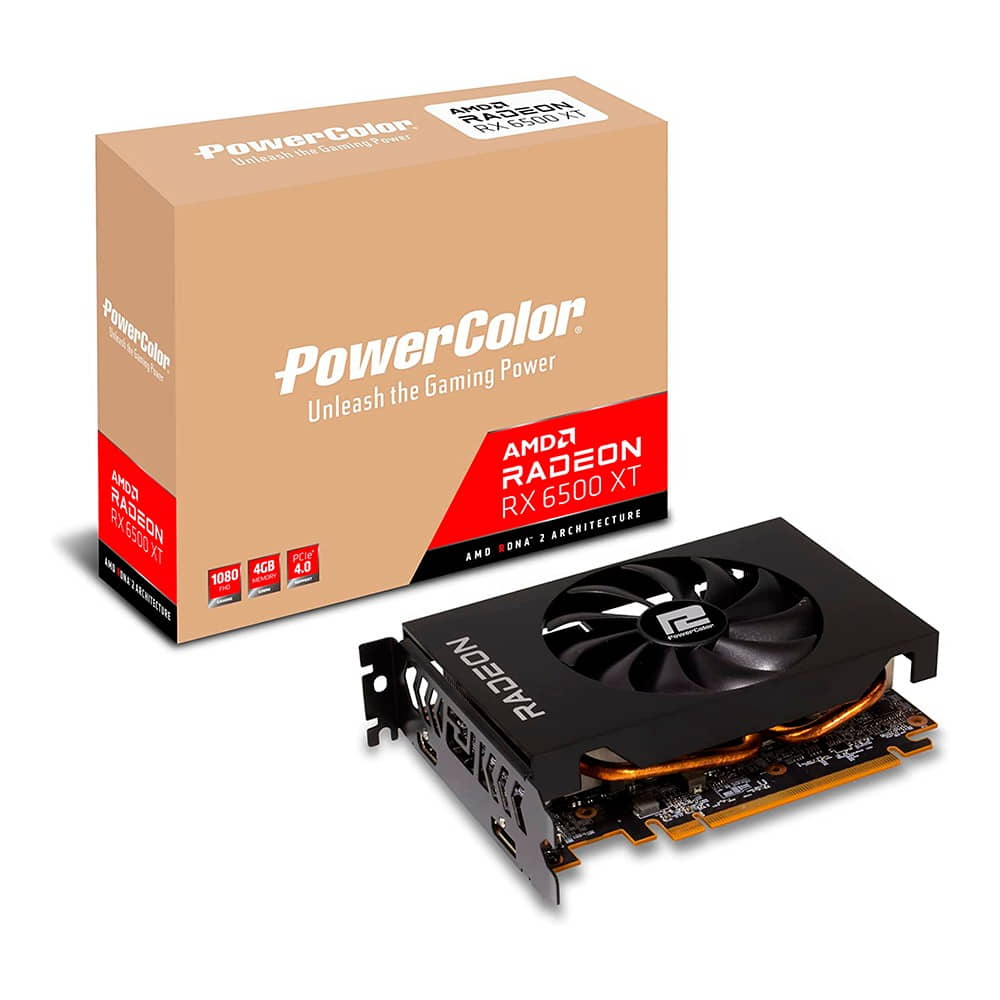
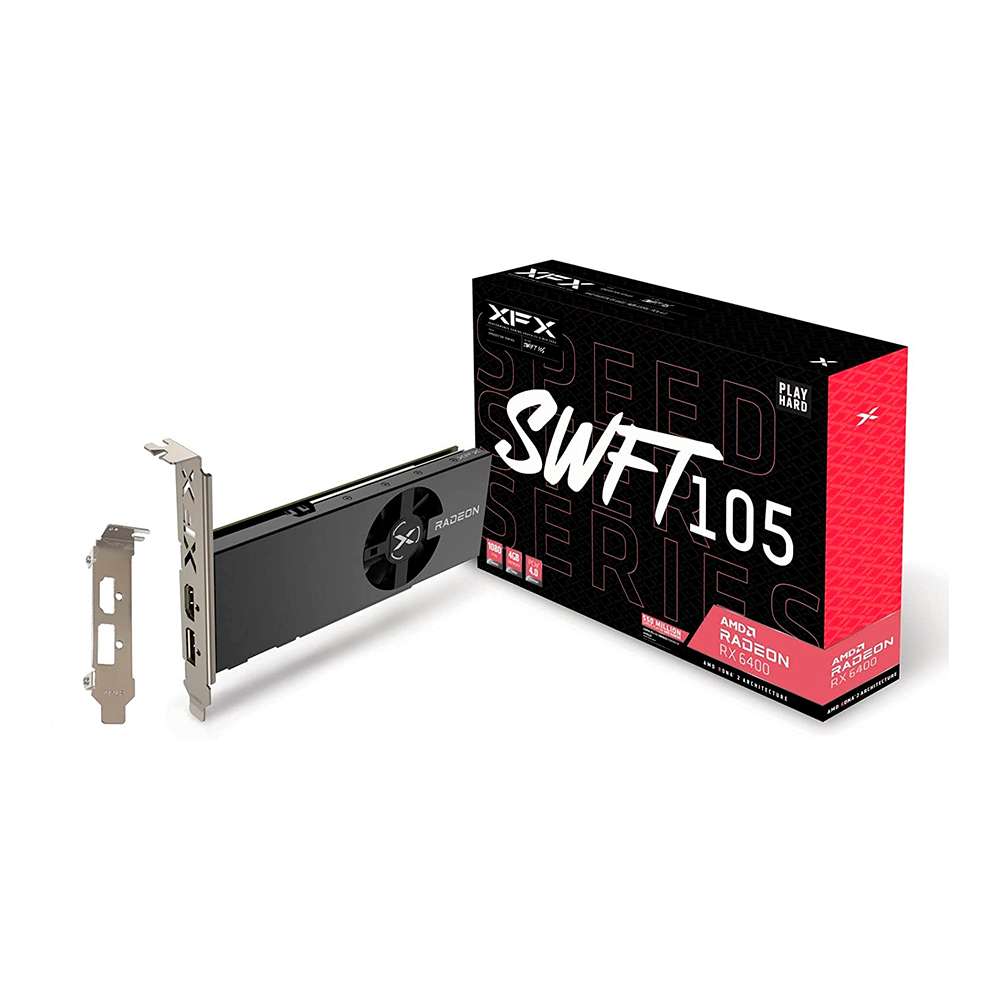
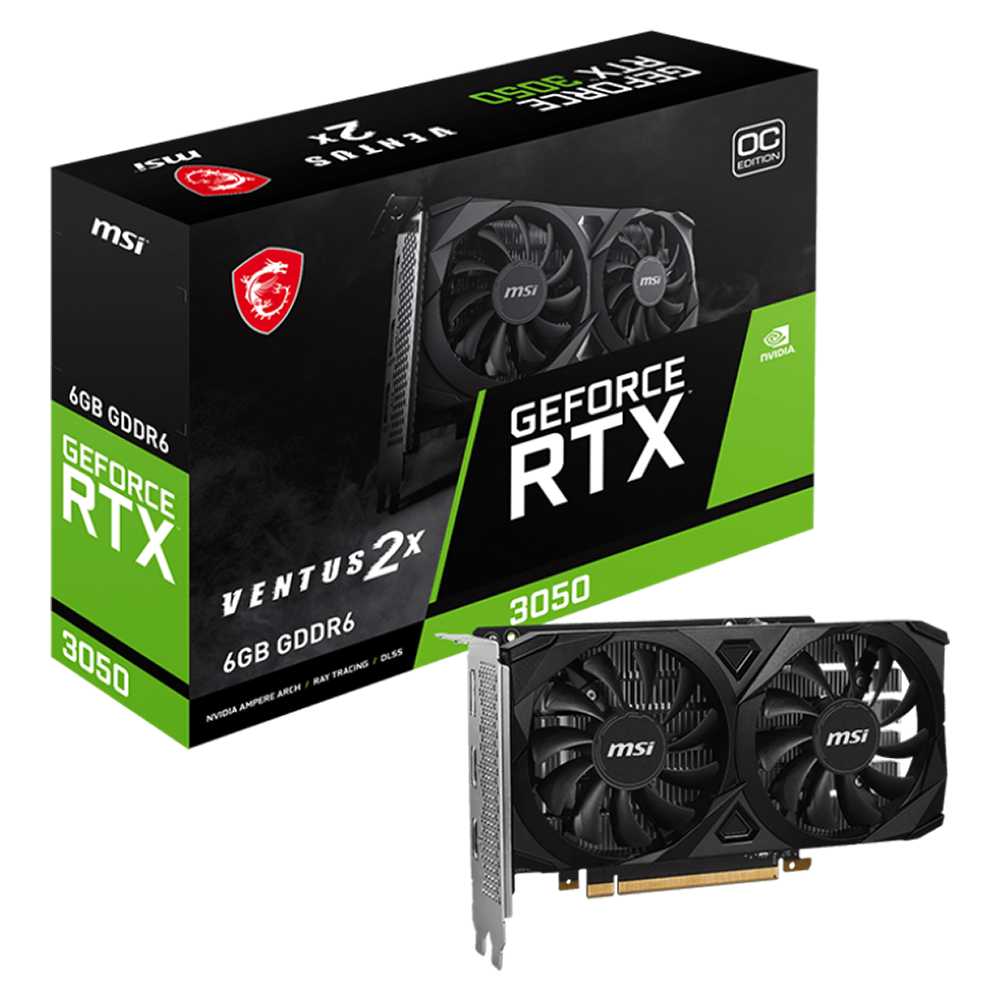
Graphics cards
While the CPU could be considered the heart of our PC, the graphics cards would be the true soul of our computer. It is an important piece since it completely changes the capacity of the computer, being able to go from being a simple workstation to a gaming PC capable of moving the most impressive HD graphics at 60 FPS. While it is true that we cannot have a computer without a CPU and if we can have it without a graphics card, without a video card we will never be able to have a true gaming PC. For many people, it is one of the first components that they take into consideration when making a budget, since a good graphics card is going to be the one that allows us to move games to the highest level.
What does a graphics card do?
Graphics cards render raw video data to an external output, such as a monitor or television. Although many motherboards come with dedicated graphics cards, it is essential to have your own card in your motherboard's PCI slot to drive this generation of games, professional video work or 3D rendering.
What is a PCI slot?
PCI stands for Peripheral Component Interconnect. It is the slot where we connect our graphics card to the motherboard so that they transfer the necessary information. PCI slots are also used to connect other PC components, such as a sound card or a video recorder.
Graphics card brands
All graphics cards consist of two important parts: the GPU (Graphics Processing Unit) and the VRAM (Video memory), which are what will give us the necessary power to be able to move what we want with fluidity. Both are mounted on the PCB (Printed Circuit Board), which is the base where the board is mounted. It could be said that a graphics card is like a mini computer in itself, but oriented exclusively to processing video data. As usual, there are two types: Nvidia or AMD. Then brands like ASUS, Gigabyte or MSI make models for both and add their own features to differentiate themselves from the competition, such as Gigabyte's WINDFORCE cooling system.
There are all kinds of brands, such as XSX, Shaphire or PNY that offer a wide variety of cards that fit the budget of what we are looking for. The more VRAM a card has, the better performance it will give us when working at high resolutions and higher framerates. For example, the Nvidia GeForce GTX 1080ti has 11 Gb of VRAM memory, which is more than enough to move any current game to 4k and without lowering 60 FPS (Frames Per Second). Also, this type of graphics card is capable of 3D operation and can be used with Oculus or other virtual reality systems.
Which graphics card to choose?
The more we spend on the graphics card, the more flexibility we will have when using it and the longer it will be until we have to change it. However, it is not necessary to spend a large amount of money to be able to enjoy good HD graphics. A GeForce 1060 or RX480 has enough VRAM to play most games of this generation well. We may not be able to run all of them at full resolution, but if we want to have a decent gaming experience and we don't consider graphics as important, they serve the same purpose. In the end it's up to you, if you want to spend more and have powerful graphics that will last you for many years or if you just want to enjoy games with more humble graphics.
Also keep in mind that the more power the video card has, the more heat it will generate and the more electricity it will consume. In fact, the graphics card is one of the components that consumes the most power in our PC, so we are going to take this into account when buying other components, such as the power supply. For example, it is advisable to always keep an extra margin of 60 watts of power when buying the power supply, if your system needs 650 watts in total, buy a 750 watt power supply, since in this case it is better overdo it than fall short.
Another option is to use two graphics cards in SLI (Nvidia) or Crossfire (AMD). It's what a lot of people do who don't want a powerful graphics card or just want a performance boost over the graphics card they already have. But you will have to take into account that they will consume twice the power.
AMD vs. Nvidia
To determine which of these two manufacturers is par excellence and is the most chosen when it comes to obtaining the best graphics card, below we show you some graphs that take into account the main characteristics of all the models of both ranges of 2020: Power, efficiency, better technology, better performance and better drivers.
In the specific case of the drivers in both, things are very even, but it should be noted that in this case AMD has a much simpler user interface, unifying all the drivers in a single interface. On the other hand, we have to recognize the Nvidia drivers are of incredible quality and robustness. In this aspect we believe that things are fairly even.
Finally, something to keep in mind is the value for money. In this aspect, AMD GPUs offer better value for money than those of Nvidia. especially in its mid-range, since paying the same amount of money in one you get more power than in the other. For example, AMD's best-selling graphics card this last year 2020 is the Radeon RX 570 with an average price of €160.