The race for artificial intelligence has turned high-performance GPUs into one of the most sought-after technological resources in the world.
And within the NVIDIA ecosystem, two names currently dominate the enterprise AI market:
NVIDIA H100
NVIDIA H200
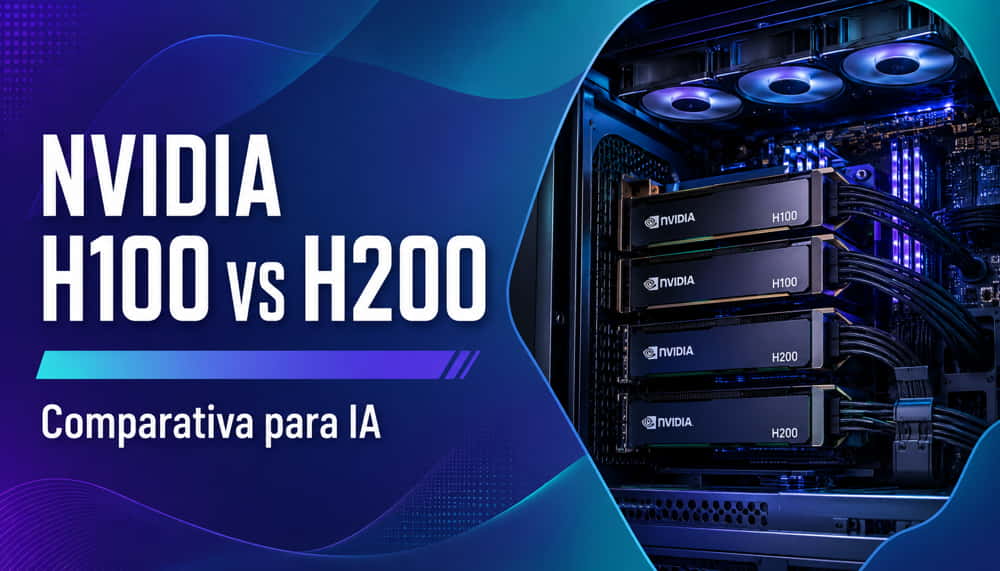
Both GPUs are designed for training and inference of large-scale artificial intelligence models, especially LLMs, multimodal systems and HPC workloads.
However, although they share the Hopper architecture and many technical elements, there are important differences that can have a huge impact depending on the type of project.
In this comparison, we analyse:
What really changes between H100 and H200.
When it is worth paying more for H200.
What performance they offer in modern AI.
How VRAM and bandwidth affect performance.
Which option is more interesting depending on budget and use case.
In addition, we will discuss real availability in Spain and alternatives such as the RTX PRO 6000 Blackwell for projects with tighter budgets.
Hopper architecture: what H100 and H200 have in common
Both the NVIDIA H100 and the NVIDIA H200 are based on the Hopper architecture.
This means that both share much of their technological DNA:
4th generation Tensor Cores.
FP8 Transformer Engine.
NVLink support.
CUDA compatibility.
Support for distributed training.
Optimisation for LLMs.
Compatibility with HGX and DGX.
In architectural terms, this is not a full generational leap.
The H200 does not replace Hopper with a new architecture; instead, it represents an evolution mainly focused on memory and bandwidth.
And that is precisely the key.
The key difference: HBM3 vs HBM3e
The most important improvement of the NVIDIA H200 over the H100 is not in the CUDA cores or the architecture.
It is in the memory.
NVIDIA H100
The H100 uses:
80 GB HBM3.
Up to 3.35 TB/s of bandwidth.
NVIDIA H200
The H200 features:
141 GB HBM3e.
Up to 4.8 TB/s of bandwidth.
The difference is huge.
Especially in modern AI workloads, where memory has become one of the biggest bottlenecks.
Why is memory so important in AI?
Today’s models consume massive amounts of memory.
Especially:
LLMs.
RAG.
Fine-tuning.
Mixture of Experts.
Huge context windows.
Batch inference.
The problem is no longer just raw computing power.
The real challenge is often:
Fitting the entire model into VRAM.
Constantly feeding the Tensor Cores.
Avoiding slow transfers from RAM or storage.
This is where the H200 makes a very significant difference.
With 141 GB of HBM3e memory:
More models can fit entirely on the GPU.
The need for tensor parallelism is reduced.
Energy efficiency improves.
Throughput increases.
Bottlenecks are reduced.
In large models, this can translate into very significant improvements.
Complete comparison table: NVIDIA H100 vs H200
Feature
NVIDIA H100
NVIDIA H200
Architecture
Hopper
Hopper
Memory
80 GB HBM3
141 GB HBM3e
Memory bandwidth
3.35 TB/s
4.8 TB/s
Tensor Cores
4th gen
4th gen
FP8 Transformer Engine
Yes
Yes
NVLink
Yes
Yes
Approx. TDP
700W
700W
PCIe / SXM
Both
Both
Target use
AI/HPC
Advanced AI/HPC
AI performance
Very high
Superior in memory-bound models
Estimated price
Lower
Higher
The table makes one thing clear:
The H200 is not designed to revolutionise Hopper.
It is designed to solve one of the biggest problems in modern AI: memory.
Performance in LLM model training
Training is where the difference between both GPUs is most noticeable.
Especially in:
70B models.
405B models.
Long context windows.
Complex fine-tuning.
Distributed training.
When the model is memory-bound
Many current workloads are no longer limited by pure compute.
They are limited by:
Available memory.
Bandwidth.
Transfers between GPUs.
In these cases, the H200 usually offers major improvements over the H100.
Especially in:
Tokens processed per second.
Sustained throughput.
Multi-GPU scalability.
Overall energy efficiency.
Llama 70B and similar models
In models such as Llama 70B:
H100 still offers excellent performance.
H200 allows larger batch sizes.
Offloading operations are reduced.
GPU utilisation improves.
In very intensive workloads, the difference can be clearly noticeable.
Giant models and MoE
In extremely large models:
Mixture of Experts.
405B.
Multimodal models.
Complex distributed training.
The H200 starts to clearly justify its additional cost.
Because the extra bandwidth and additional memory reduce major bottlenecks.
Inference performance: tokens per second and efficiency
Inference is another interesting scenario.
Here, the most powerful GPU does not always win automatically.
It depends heavily on:
Model size.
Quantisation level.
Batch size.
Required latency.
Number of concurrent users.
Inference of small and medium-sized models
For models:
7B.
13B.
34B.
The H100 remains an extremely solid solution.
In many cases, even an RTX PRO 6000 Blackwell can offer a more attractive performance/price ratio.
Large-scale enterprise inference
The H200 starts to stand out when we talk about:
Large inference batches.
Long context windows.
Multi-user systems.
Complex AI agents.
Multimodal inference.
The additional bandwidth clearly improves throughput.
And that is especially important in enterprise environments where thousands or millions of tokens are served continuously.
H100: when it is still enough
Despite the huge media attention around the H200, the H100 remains an outstanding GPU.
In fact, for many companies it continues to be the most balanced option.
When we recommend H100
The H100 still makes a lot of sense when:
Budget is important.
You work with medium-sized models.
You fine-tune 7B–70B models.
The cluster is already designed around Hopper.
Availability is a priority.
Cost per GPU matters more than maximum performance.
Excellent mature ecosystem
In addition, the H100 has:
A highly consolidated ecosystem.
Very wide adoption.
Many public benchmarks.
Validated infrastructure.
Great availability in the cloud.
In practice, it remains the de facto standard for many AI projects.
H200: when it makes a real difference
The H200 starts to clearly justify its cost when memory becomes the main bottleneck.
Use cases where H200 stands out
We especially recommend H200 for:
Training giant LLMs.
Intensive enterprise inference.
Large context windows.
Complex RAG.
MoE.
Scientific HPC.
Multimodal systems.
Fewer GPUs required
Another important aspect:
In some scenarios, the H200 can reduce the total number of GPUs required.
And this can partially offset the higher unit cost.
Because reducing GPUs also means:
Fewer nodes.
Lower power consumption.
Fewer switches.
Less NVLink complexity.
Lower operating cost.
In large clusters, this can have a huge impact.
Power consumption, cooling and density
Both H100 and H200 are extremely demanding GPUs.
Especially in SXM format.
High TDP
Both solutions are around:
700W.
This requires:
Specialised servers.
Optimised cooling.
Enterprise power supplies.
Suitable electrical infrastructure.
Liquid cooling
More and more advanced AI clusters are using:
Liquid cooling.
Direct-to-chip cooling.
Immersion cooling.
Especially in HGX deployments with multiple GPUs.
NVIDIA HGX: the real environment for these GPUs
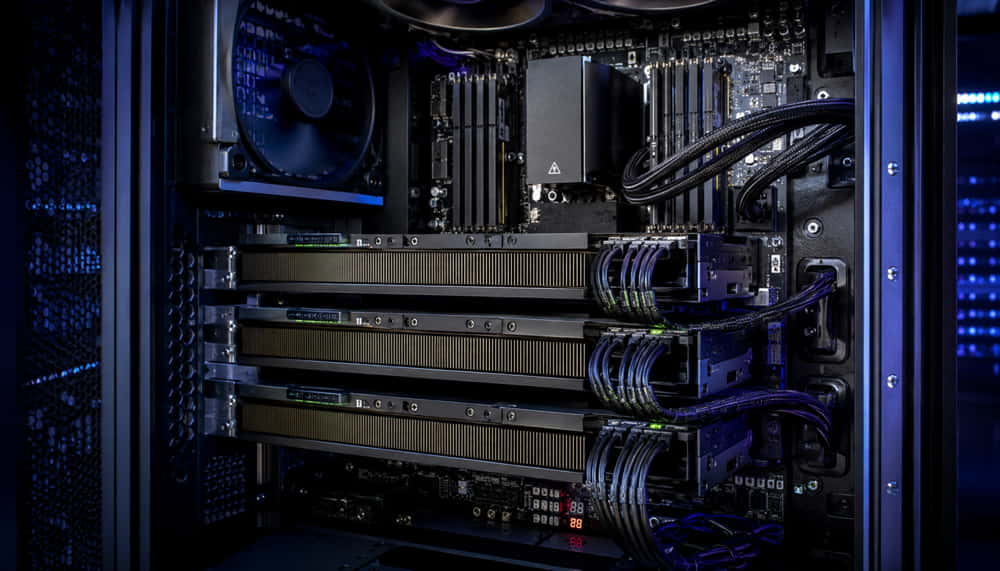
Although PCIe versions exist, the natural environment for both H100 and H200 is usually:
NVIDIA HGX.
NVIDIA DGX.
Enterprise GPU servers.
Why?
Because these platforms enable:
Ultra-high-speed NVLink.
Efficient multi-GPU scaling.
Optimised topologies.
Adequate power delivery.
Enterprise-grade cooling.
In modern AI, performance no longer depends solely on a single isolated GPU.
Interconnection between GPUs is critical.
Availability and lead times in Spain
One of the most important factors today is availability.
And here, the situation changes constantly.
H100
The H100 already has:
A more mature supply chain.
Greater availability.
More integration options.
More enterprise stock.
H200
The H200 still has:
Huge demand.
More limited availability.
Longer lead times.
Priority for major integrators and hyperscalers.
That is why many companies continue to choose the H100 to avoid deployment delays.
Alternatives: RTX PRO 6000 Blackwell and Blackwell B200
Not every project needs an H100 or an H200.
And here it is important to be honest.
RTX PRO 6000 Blackwell
For:
Fine-tuning.
Local inference.
AI workstations.
Development.
Small teams.
The RTX PRO 6000 Blackwell can be a much more cost-effective alternative.
Especially when:
Huge clusters are not required.
Budget is limited.
You work with quantised models.
Workstation flexibility is a priority.
Are you looking for a professional GPU for AI, rendering or advanced computing?
Explore our selection of professional graphics cards and find the most suitable solution for your project.
Here, we are talking about a much deeper generational leap.
Blackwell promises:
Much higher performance.
Better efficiency.
More capacity for giant models.
Better scalability.
However, costs and availability remain important factors.
Which GPU do we actually recommend?
The answer depends entirely on the project.
We recommend H100 when:
You are looking for a balance between cost and performance.
You work with medium-sized models.
You need fast availability.
Budget matters.
The Hopper cluster already exists.
H200 is recommended when:
Memory is the bottleneck.
You work with huge models.
You need maximum throughput.
You want to minimise offloading.
The goal is to scale to a large size.
We recommend RTX PRO 6000 Blackwell when:
You need a workstation.
You run local inference.
You work in AI development.
Your budget is much tighter.
Frequently asked questions
Is the H200 much faster than the H100?
It depends on the workload.
In workloads limited by memory and bandwidth, the difference can be very significant.
In more compute-bound workloads, the difference is smaller.
Is it worth waiting for Blackwell?
It depends on the project and the deadlines.
For many current deployments, Hopper remains fully valid.
Which is better for inference?
It depends on the model size and the required throughput.
For large-scale enterprise inference, H200 has clear advantages.
Is the H100 still recommended in 2026?
Yes.
It remains one of the most powerful and widely used GPUs in the AI market.
Can these GPUs be used in a workstation?
In some cases yes, especially PCIe versions.
But these GPUs are generally designed for specialised servers.
Conclusion
The NVIDIA H100 and H200 currently represent two of the most powerful platforms in the world for artificial intelligence.
The main difference is not so much the architecture as the memory.
And in modern AI, memory matters a lot.
The H100 remains an extraordinary option for most companies.
But the H200 starts to make a very clear difference in:
Giant LLMs.
Massive inference.
Large context windows.
Memory-bound workloads.
Choosing correctly depends on:
Type of models.
Scalability.
Budget.
Availability.
Project objectives.
At Ibertrónica, we help companies and technology centres design GPU infrastructure adapted to real AI workloads.
From advanced workstations to multi-GPU HGX clusters.
Configure your GPU server for AI
If you are considering deploying infrastructure with NVIDIA H100 or H200, our team can help you define the best configuration according to:
Number of GPUs.
Type of training.
Inference.
Scalability.
Budget.
Cooling.
Data centre integration.
Not sure which GPU your artificial intelligence project needs?
Our team can help you define the most suitable configuration based on model type, number of GPUs, cooling, budget and scalability.